Italiano

Excel and different programs for every event: how it happens
It is rarely a deliberate choice: you get there one step at a time. You run the first event on an Excel sheet and the second by copying the first. Then a client asks for online registration, so you add a web form; emails go out through another service, and for the entrance you try a check-in app. Each tool solves a problem, but none of them talks to the others.
A few months later you end up with:
- a guest list for every event, each with different columns and fields;
- registrations, emails, check-in and reports on separate platforms, each with its own login and export format;
- registration forms you have to rebuild every time;
- no quick way to find out how many people have registered for an event, other than asking whoever is running it.
With two or three events a year, the system holds up. With ten, perhaps for different clients and with recurring editions, you spend more time keeping files and programs aligned than actually organising. If you want to look at the single-event case, we covered it in Secretariat software: goodbye Excel, goodbye chaos. Here we focus on people who run several events at the same time.
What working this way costs you
It is a cost that never shows up on an invoice, but it builds up day after day:
- You do the same work several times. Registration form, confirmation email, reminders: you prepare them again for every event, often starting from an old copy.
- You copy data by hand from one program to another. You export registrations from the form, load them into the email service and then into the check-in app. Every step is a chance to lose an update.
- Your data ends up inconsistent. The same guest appears spelled in different ways, and merging lists takes hours of clean-up.
- You have no overview. If management asks how many events are active, you have to open one file after another.
- You depend on whoever runs the event. If that person is away, their files are hard for anyone else to follow.
- Personal data is scattered. Multiple copies on different computers and services make it harder to archive or delete it in an orderly way.
To see why registrations are best handled with a dedicated tool, read Event registration tool: why manage it separately.
What multi-event management software is
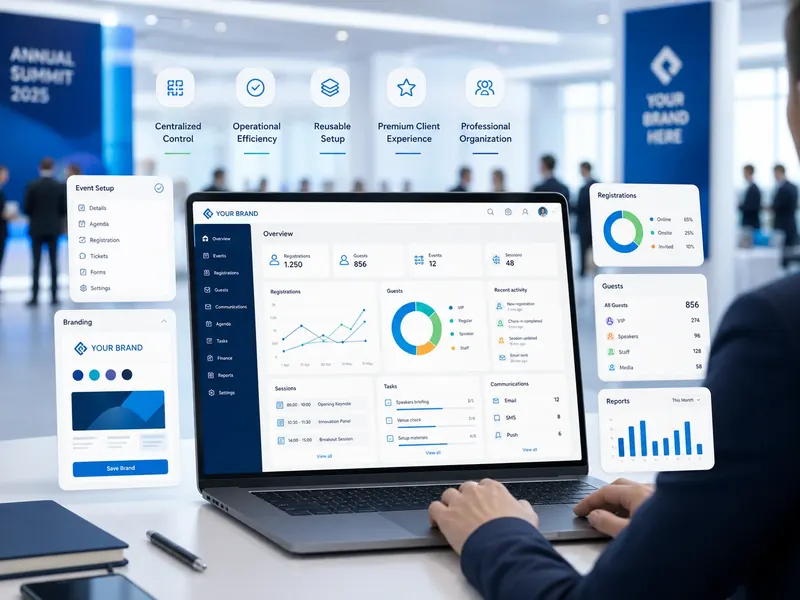
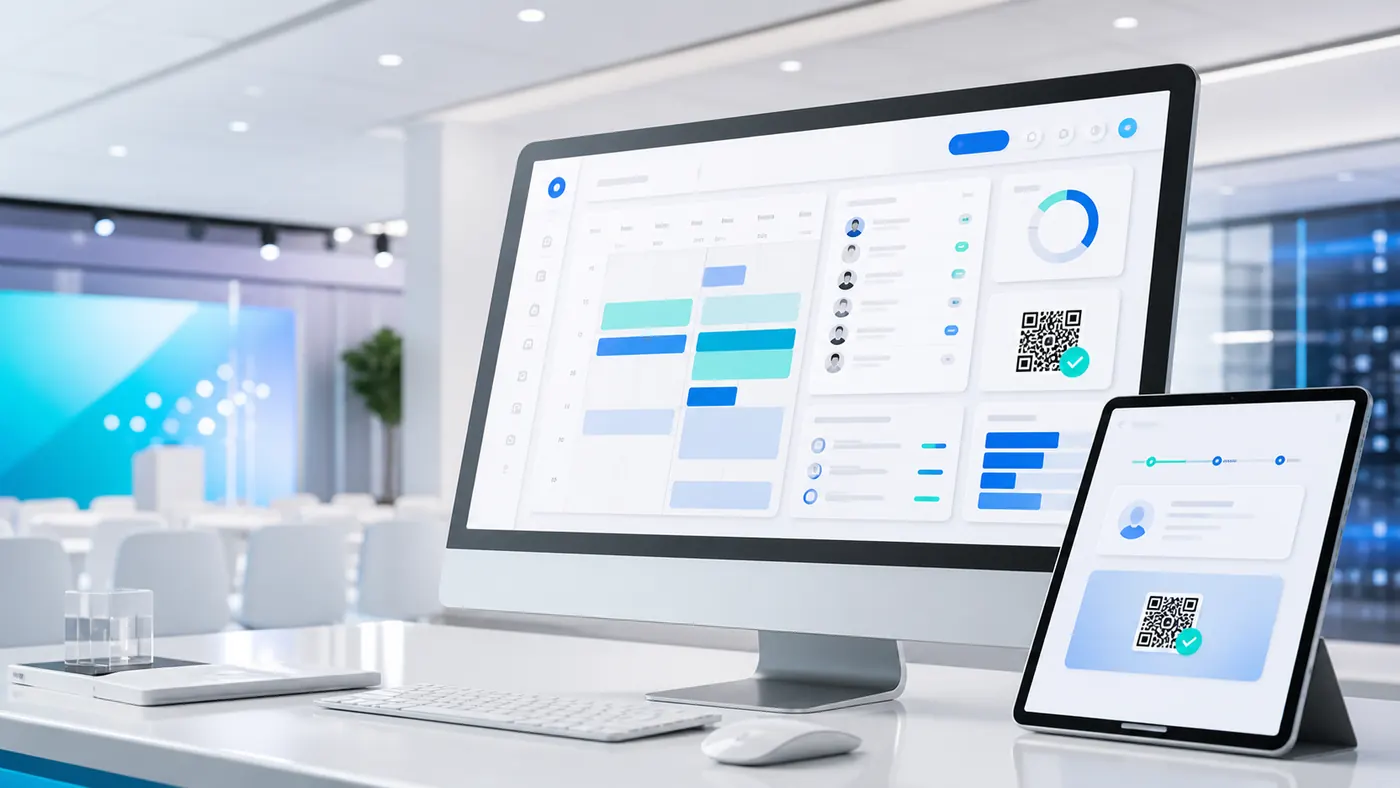
Event management software brings all of the secretariat's work into one tool: you create the event, collect registrations, manage lists, send communications and download reports. The multi-event version goes one step further, because it lets you manage all your events from the same platform, without switching from one program to another.
That is exactly what eventFusion does. It is our white-label multi-event platform, designed for:
- event agencies and event managers;
- MICE departments and corporate event teams;
- anyone running standard or recurring events that come back every year with few changes.
The main advantage. You set up forms, emails and settings only once. For the next events, you simply pick them up and adapt them.
The features to look at first
If your goal is to stop chasing files and programs, start with these features.
| Feature | What it does | What it saves you from |
|---|---|---|
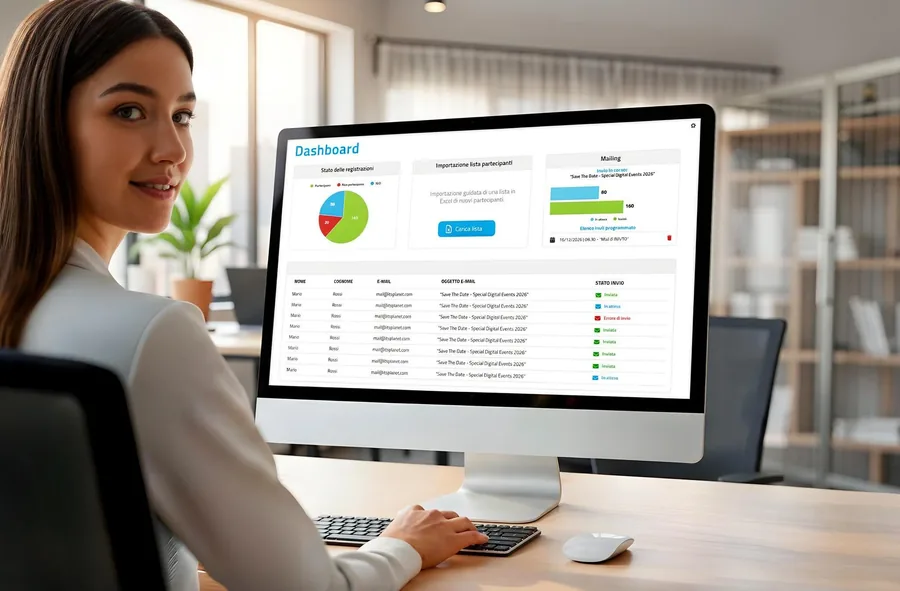
| Management dashboard | Shows you current, past and upcoming events on a single screen, with the key data | Opening files one by one to see where you stand |
| Guided setup | Walks you through entering the event name, dates and web address | Asking a technician to launch every new event |
| Form builder | Lets you build the registration form with fields, drop-down menus, dates, file uploads and conditional rules | Rebuilding the form from scratch for every event |
| List management | Imports invitees from Excel and lets you update single guests or whole groups in real time | Keeping several copies of the same list in sync |
| Communications | Gives you email templates for invitations, confirmations and thank-yous, as well as push notifications | Using a separate service for emails |
| Reports and archiving | Produces customisable Excel reports; after the event you download the data and decide whether to archive or delete it | Ending up with data scattered in different places |
The form builder is worth a closer look. With conditional rules you can make a field appear only when it is needed: for example, the question about food intolerances is shown only to guests who have confirmed they will attend the dinner. That keeps the form short, and each guest only answers the questions that apply to them. You can also add checkboxes to accept the privacy notice and set up automatic emails based on the answers.
If you are an agency: your brand and your client's look
If you work at an agency, your client sees the platform too. That is why eventFusion is white-label, which means it carries your brand:
- we install it on a domain you choose, with no reference to I.T.S. Planet;
- for each event you can adapt logos, colours and fonts to the client's guidelines;
- emails can be sent from your agency's mailboxes created for the event, or from a dedicated mailbox we can set up for you.
This way you offer every client a tailored service without building a new website each time. We explained why brand customisation matters so much in White-label event platform: why personalize it.
What your guests see
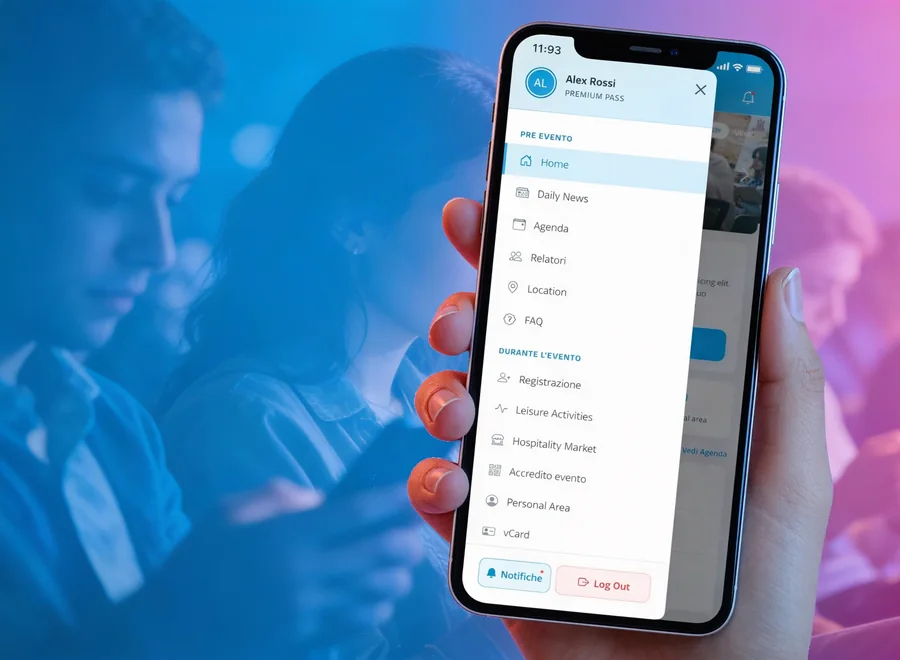
Your guests care about one thing: registering quickly and finding information when they need it. They can do that on an event website, easier to use on a computer, or on a web app designed for smartphones. Either way, they do not have to download anything.
For each event you decide which sections to show (registration, venue with directions, programme, useful information, secretariat contacts) and how guests get in:
- with credentials: they receive a temporary password to change at first login;
- with a direct link: they just click the link in the email to get in, no password needed;
- with open access: no login, suitable for public events.
The right choice depends on the type of event and the data you collect. For anything related to privacy, always check with your own advisor.
Add-on modules, switched on only when needed
Not every event has the same needs. That is why some features are plug-ins: you can keep them on all the time, or switch them on only for the event that needs them.
- digital check-in integrated with goAhead, by checklist, QR code or digital signature;
- QR code in the smartphone wallet, so guests always have their ticket with them;
- push notifications to announce a room change, remind people that a session is starting or send last-minute invitations;
- audience questions during sessions.
If your event has registration fees, you will find how to handle payments in Paid registrations: how to collect event fees and services without chasing bank transfers. If the platform needs to exchange data with your CRM or other company systems, we recommend Events and business systems integration: how to do it well.
Multi-event, full secretariat or custom platform?
No single tool is right for everyone. This table helps you work out where to start:
| Your situation | Best-fit solution |
|---|---|
| You run many standard or recurring events, as an agency or a MICE department | eventFusion, white-label multi-event platform |
| You have one complex event, with logistics, payments, rooming and check-in to follow in detail | webRay®, event secretariat software |
| You have very specific internal processes that no standard product covers | Custom event platform |
If you also run workshops with limited places, you will need to handle bookings: we cover that in Limited-place workshops: how to manage bookings, slots and waiting lists.
How to move to one platform in 5 steps
You do not have to move everything in one day. Here is how to switch to a single platform without holding up the events already under way.
- Take stockList your current and upcoming events and, for each one, the files and programs you use: lists, forms, emails, check-in, reports. Note the fields that come up in all of them.
- Set up a base templateAgree with your team on a standard registration form, the same names for fields and the email templates you use most often.
- Start with a pilot eventChoose a recurring or fairly simple event, create it in the platform and import the guest list from Excel.
- Decide who does whatAgree who creates events, who updates lists, who sends communications and when to archive or delete data after the event.
- Extend to other eventsAfter the pilot, adjust the template and move the following events onto the platform, switching on add-on modules only where they are needed.
Checklist for choosing
Before choosing event management software, check these six points.
Event management software: six points to check
One environment. Registrations, lists, emails and reports are in the same platform, and a dashboard shows you all your events.
Team independence. You can create events and forms without asking a technician every time.
Reusable work. Forms, email templates and settings can be reused from one event to the next.
Your brand. If you are an agency, the platform uses your domain and each client's look.
Modules on demand. Check-in, wallet and notifications are switched on only for the events that use them.
Data in order after the event. You know how to export, archive or delete data, and you have agreed the rules with your privacy advisor.
Frequently asked questions
What is multi-event management software?
It is software that lets you manage all of your agency's or company's events from one platform: setup, registration forms, guest lists, communications and reports. Instead of using different files and programs for each event, you work from a dashboard that shows you current, past and upcoming events.
Do I need a technician to create a new event?
No. In eventFusion a guided procedure walks you through entering the event name, dates and web address, and you build the registration form with the form builder, without needing a developer.
Can I use the platform under my agency's brand?
Yes. eventFusion is white-label: we install it on a domain chosen by your agency, with no reference to I.T.S. Planet, and for each event you can adapt logos, colours and fonts to the client's guidelines.
Do guests have to download an app?
No. They access an event website or a web app from their browser. You can let them in with credentials, with a direct link in the email, or without any login.
What is the difference between eventFusion and webRay®?
webRay® is the event secretariat software for following an event's registrations, logistics, payments and check-in in detail. eventFusion is the white-label multi-event platform designed for agencies and departments that run many events, especially standard and recurring ones, from a single interface.
Running events for several clients?
With eventFusion all your events are on one platform under your brand, instead of many separate files and programs. You reuse your forms, keep your lists in order and always know where you stand. See how it works and request a demo.