Italiano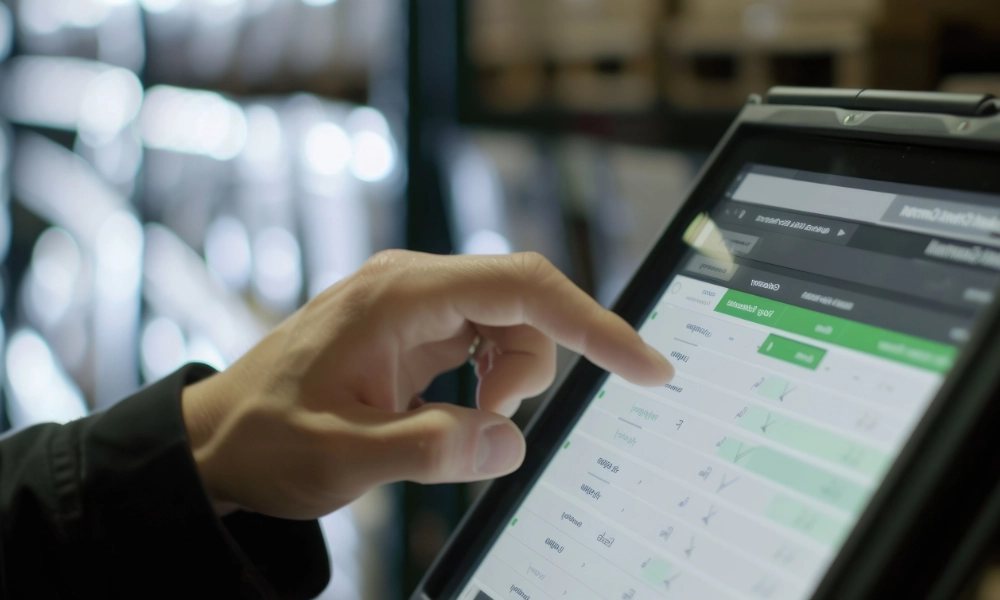
What is digital guest list check-in
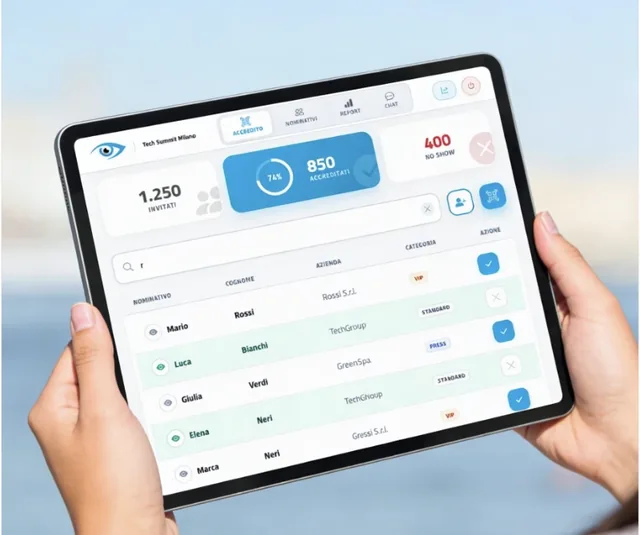
A digital guest list check-in system lets you confirm a guest's arrival in an instant, straight from a smartphone, tablet or computer: staff simply search for the name on a digital list and tap it to record entry. No more paper lists to scan by hand, registers that go missing at the welcome desk, or badges that need to be printed in advance.
The benefit isn't just cosmetic. Digital check-in solutions can cut wait times by up to 75% compared with traditional paper-based processes, according to industry benchmark analysis by Dreamcast covering 2025-2026. Shorter queues mean calmer guests from the very first moment, and a front-desk team working under far less pressure.
The features you can't do without
Not every check-in software offers the same level of reliability. Before choosing one, make sure it includes the following:
| Fast search — find a guest by typing a few letters of their name, surname or company | |
| Synced digital check-in — an entry recorded by one operator shows up instantly on every other device | |
| Flexible list upload — import from Excel or CSV, or enter names manually | |
| Real-time guest additions — to handle walk-ins without slowing the desk down | |
| Multi-device, multi-operator access — several staff members can work on the same list at once | |
| Built-in staff chat — to flag VIP arrivals or issues without radios or walkie-talkies | |
| No installation required — runs in the browser, ready to use on any device |
The real benefits for organizers
Adopting the right check-in software brings measurable benefits across the whole event:
- Fewer queues and a smoother welcome flow
- A leaner front-desk team, doing more with fewer people
- Fewer manual errors and lower related costs
- Better control and monitoring of entries at every moment
- A more professional image for guests, clients and sponsors
List check-in, QR code, or signature: which to choose
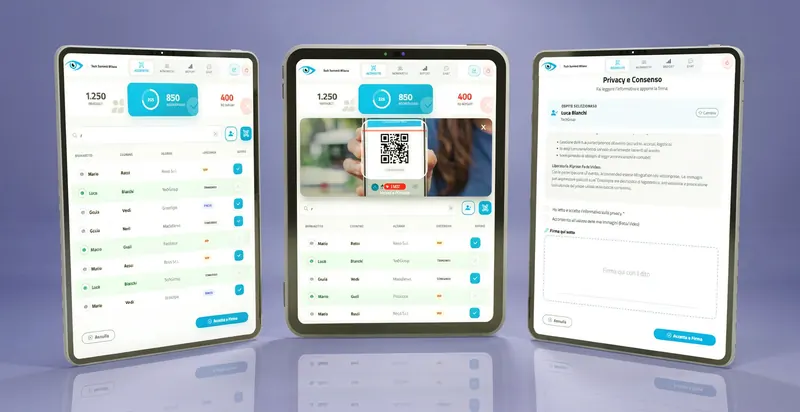
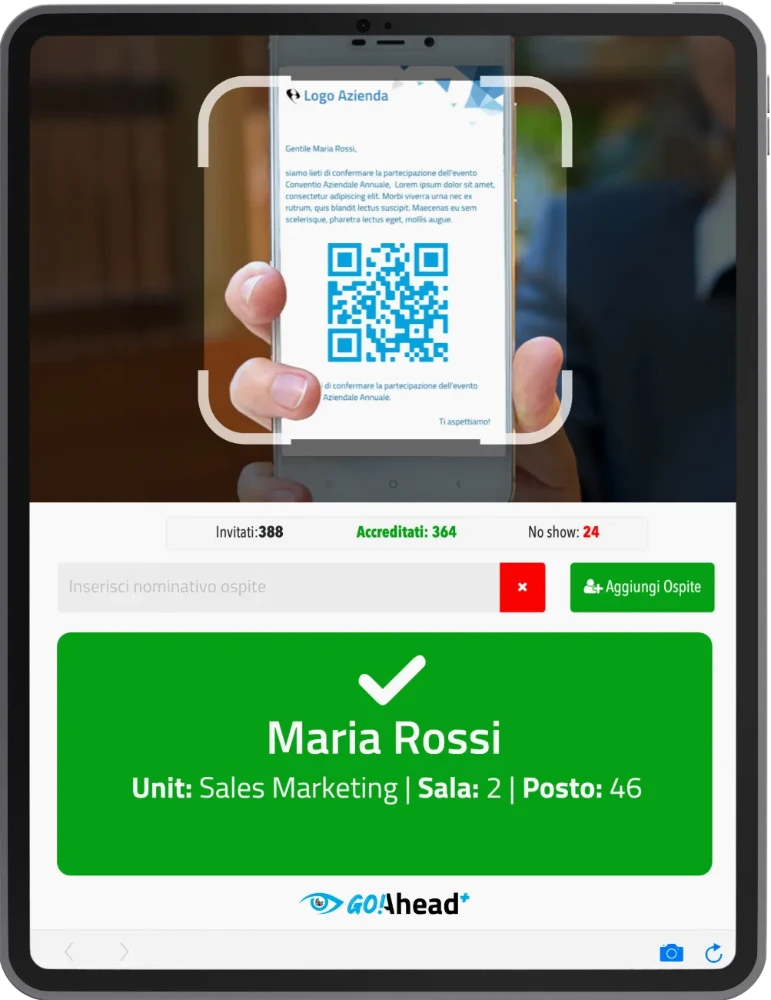
There's no single right answer for every event. List-based digital check-in is the fastest option for small and medium events, where guest lists are already validated and there's no need to generate badges or codes in advance. For larger events, where scan speed matters most, QR code check-in is a better fit; and if the event requires collecting a signature for compliance or privacy reasons, digital signature check-in is the right solution.
If you're still weighing your options, our related guide compares all three approaches: Check-in digitale: QR code, spunta o firma? (Italian article)
Why live reporting matters
Knowing at any moment how many guests have arrived and how many are still expected lets organizers make quick decisions — when to open a room, when to alert a speaker, or when to reassure a client about how the event is going. A good check-in software's reporting should cover at least the following:
- Total guests invited
- 842
- Guests checked in
- 611
- Guests still expected
- 231
- Turnout rate
- 72.6%
Some tools, including goAhead, let you share this data with a client or sponsor through a protected link, without handing over admin access to the system: a read-only dashboard that improves transparency and cuts down on status requests at the desk during the event.
Multiple checkpoints and advanced control
For events with more than one moment or space — a plenary, workshops, a gala area — it's essential to manage each entry point independently while keeping everything centralized:
-
Check-in split by area
Each checkpoint only controls the entries it's responsible for, avoiding mix-ups between lists.
-
Separate reporting per checkpoint
Organizers see how every area is performing in a single screen, at the same time.
-
Filters by role or permission
Speakers, staff, press and VIP guests can be managed with different access levels and paths.
Frequently asked questions
It's a web app that lets staff find a guest on a digital list and confirm their arrival with a single tap, syncing entries and reports in real time across every connected device. No. A tool like goAhead runs directly in the browser on a smartphone, tablet or computer, with nothing to install beforehand. List-based check-in suits small and medium events where staff simply search a name; QR code check-in speeds up entry at larger events through scanning; digital signature adds signature capture for compliance or privacy needs. Yes, modern check-in software lets staff register new names directly at the desk without slowing down the entrance flow. A reliable check-in software uses secure connections and infrastructure hosted in the European Union, in line with GDPR.What is digital guest list check-in software?
Do I need to install an app to use it?
What's the difference between list check-in, QR code and digital signature?
Can I register walk-in guests on the day of the event?
How is guest data handled for privacy?
Our experience: goAhead
As developers of event technology, we built goAhead, our digital guest list check-in software. goAhead brings together every feature covered in this article — fast search, multi-device sync, built-in staff chat and a Magic Link for sharing live reports — and runs entirely in the browser, alongside our webRay® event secretariat platform when needed.
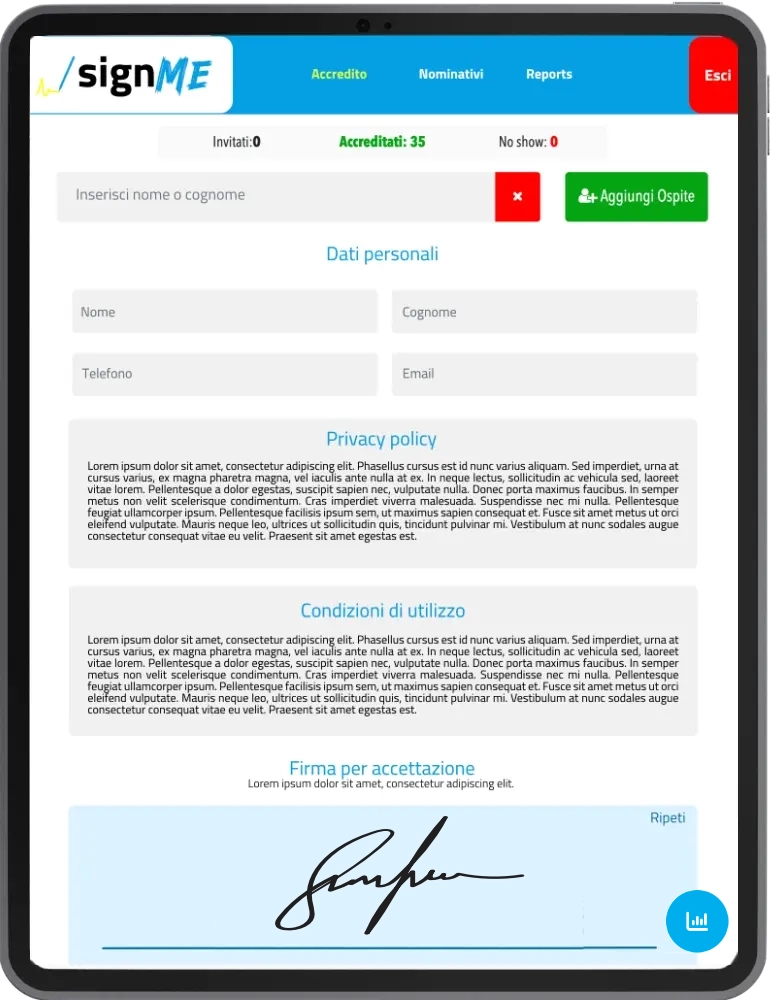
It's part of a wider family of solutions: goAhead+, built for QR code check-in at larger events, and signMe, for signature-based check-in at the desk.