Italiano
When the desk needs a signature too
For many events, ticking a name is enough to know who has arrived. In other cases it is not: you also need to say what the guest has read and accepted before entering. This happens, for example, when the event involves:
- photo and video recording, with a release for the use of images
- restricted areas, vehicles or test drives, with rules to accept
- a privacy notice and separate consents, such as the one for marketing communications
- training courses and sessions where attendance must be proven later on
In these cases check-in alone tells half the story: it says the guest was there, not what they accepted. If you are still choosing between a manual check, QR code and signature, we covered it in Digital check-in: QR code, check or signature?; here we go into the details of the signature. For courses, you will find more on attendance in Digital check-in: accreditation and attendance under control.
The problems with a paper sign-in sheet
A paper sign-in sheet works while guests are few. When the queue grows, the problems begin:
- the sheet is passed from hand to hand and slows down the gate: each signature stops the person behind
- signatures are illegible and some lines are skipped, so checking afterwards is uncertain
- pens go missing or stop working, and sheets get damaged
- after the event someone has to retype everything into a file, with the risk of transcription errors
- forms turn into binders to store and to find again, if proof is ever needed
There is also the matter of paper: if you have already cut down on badges and printouts, the sign-in sheet is often the last sheet left. We touch on it in Sustainable accreditation: less paper, more efficiency. For a wider picture of the mistakes to avoid, see the guide Accreditation management: how to avoid 5 fatal mistakes.
How tablet signing works, step by step
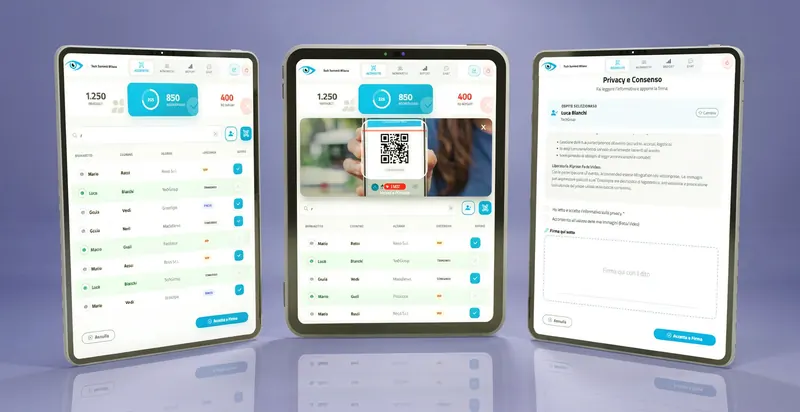
The principle is simple: the desk operator finds the guest, shows the document to accept on the tablet and collects the signature with a finger or a stylus. With signMe, the I.T.S. Planet software for check-in with digital signature, the process takes four steps.
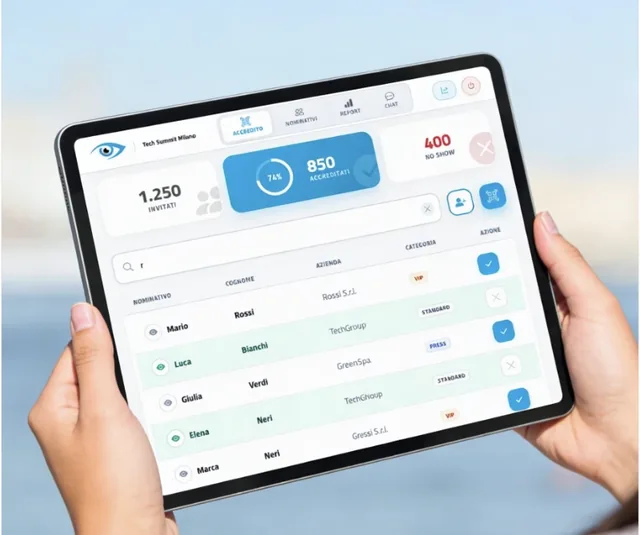
- Identify the guest. The operator types the first letters of the name and finds the person in a list loaded before the event. Anyone who arrives without being on the list is registered on the spot.
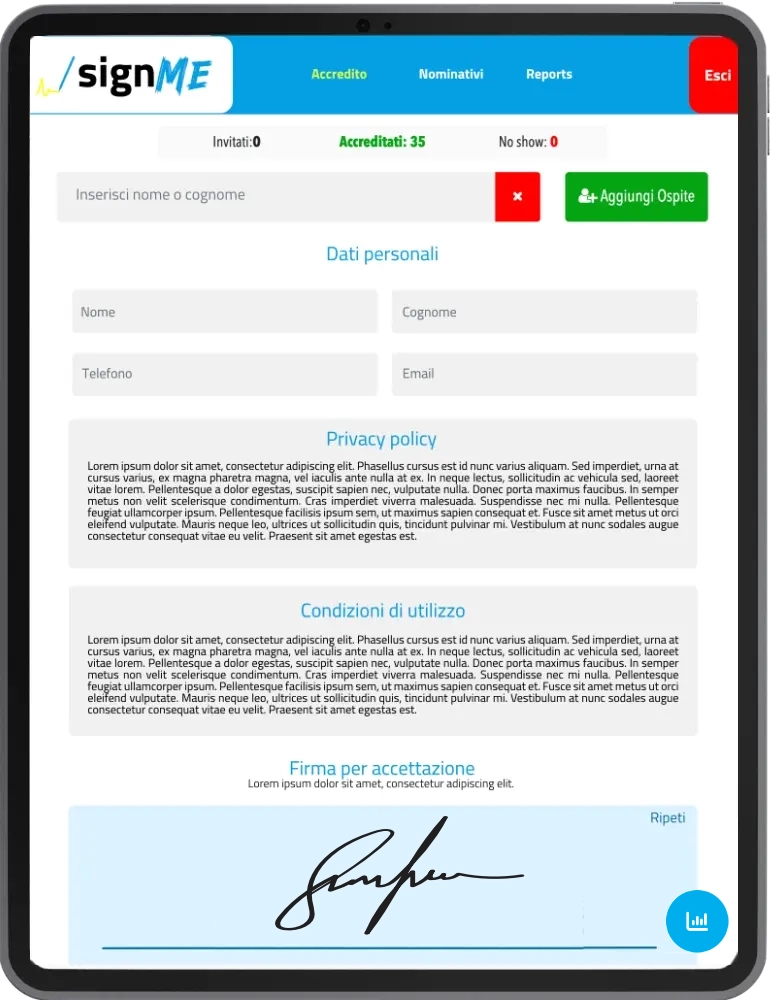
- Show the document. The tablet displays the full text: privacy notice, photo and video release, event rules or another configured document. The guest can read it calmly before moving on.
- Collect the signature. The guest signs in the box with a finger or a stylus. If there is more than one consent, each has its own checkbox: for example, mandatory privacy and optional use of images. Confirmation unlocks only when the mandatory boxes are ticked.
- Archive. The system creates a PDF with the signed text, date and time and the guest's details, and stores it in the cloud. The secretariat can consult it whenever needed, with no binders.
Staff do not need to install anything: signMe runs in the browser of a recent tablet, your own or rented for the event. The look can reflect the client's logo and colors, which is useful when you organize on behalf of others.
The operator's screen also keeps counters of invitees, checked-in guests and absentees (the so-called no-shows) in view, plus a reporting section with the progress of check-ins. The report can be shared with the client through a read-only link, without giving out credentials.
What a tablet signature is worth
A signature drawn on a tablet usually counts as a simple electronic signature. It is not a qualified signature, like the one used for the most demanding contracts, and for documents such as a privacy notice it is often considered adequate. The point is to be able to reconstruct, later on, who signed and what. Four elements are usually needed:
- the signature is linked to a specific person, for example through name, email or registration
- the signed document is not changed after signing
- traces of date, time and context remain, such as the device used and the network address
- the guest had the chance to read the text before accepting
signMe records date, time, IP address and device fingerprint (a technical identifier of the tablet used) precisely to document these elements.
A practical tip. The value of a signature depends on the document and the context. Before the event, have the texts and the procedure reviewed by a privacy or legal adviser: they can tell you whether the process suits your case, including how long to keep the PDFs.
What to prepare before the event
Tablet signing is fast if the desk has been well prepared. These six points prevent most blockages.
Checklist before opening the desk
Texts to sign reviewed. Notice, release and rules checked by an adviser and ready in your guests' language.
One consent per purpose. It is generally best to keep mandatory consents separate from optional ones, such as images and marketing, instead of merging them into a single box.
Guest list loaded in advance. With the list already in the system, the operator finds a name in a few taps; also plan how to register people who arrive without an invitation.
Tablets and connection tested on site. Check that there are enough charged devices, and test the connection exactly where the desk will be.
Rehearsal with staff. A short simulation with the hosts is enough: who searches, who hands over the tablet, who handles exceptions.
Rules for the PDFs after the event. Decide who consults them, how you share them with the client and how long you keep them, together with your privacy adviser.
Signature, QR code or manual check: which to choose
The three modes do not exclude each other. The I.T.S. Planet check-in systems share the same logic and the same data, so you can choose based on the event or combine them.
| Mode | How it works | Best when |
|---|---|---|
| goAhead (digital check) | The operator finds the name and confirms entry | you only need to know who came in |
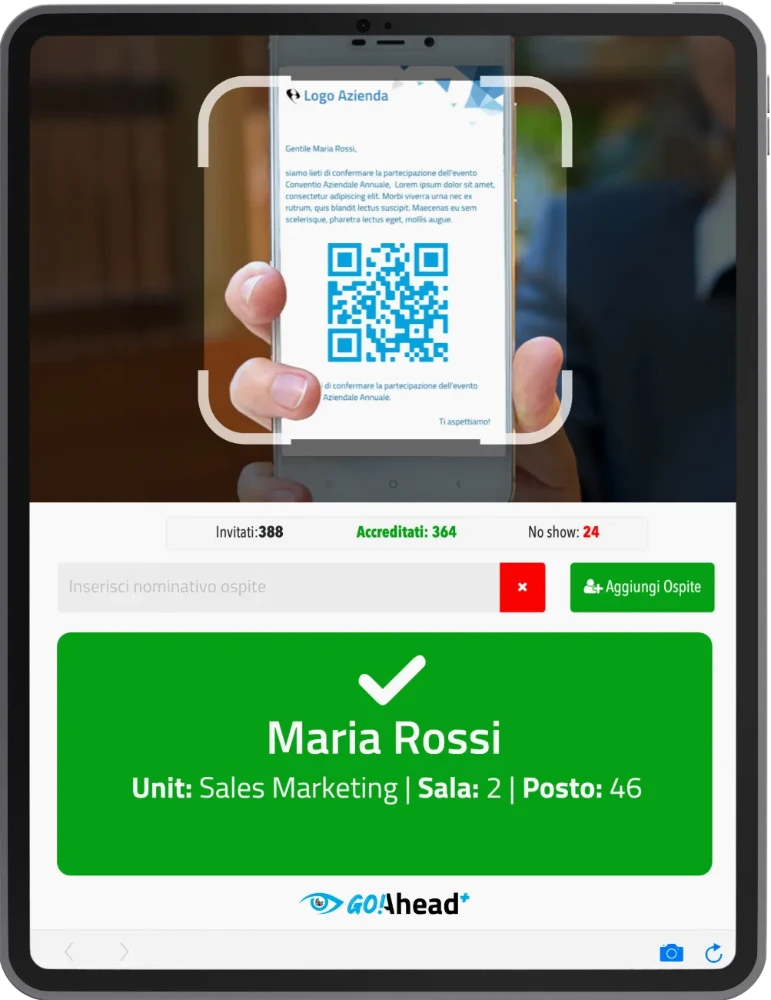
| goAhead+ (QR code) | The guest's personal code is scanned | entries are many and gates need speed |
| signMe (tablet signature) | The guest accepts and signs one or more documents | you also need a signed consent or proof of attendance |
If the guest list, records and reports must stay in a single environment, the three systems can be connected to webRay®, the I.T.S. Planet event secretariat platform.
Frequently asked questions
Do I need special tablets or apps to install?
No. signMe runs in the browser of any recent tablet, and you can use your own or rented devices. Even the hosts do not have to download apps.
Can I show my client's logo and texts?
Yes. The interface can be customized with logo, colors and welcome screen, and the texts to sign are configured for each document.
Can I ask for several consents, including optional ones?
Yes, with separate mandatory or optional checkboxes, for example privacy, use of images and marketing. Which consents to ask for and how to word them is best decided with your privacy adviser.
Does a tablet signature have legal value?
As a rule it is a simple electronic signature, often adequate for notices and consents. The assessment depends on the document and the context, so it is best to consult a legal or privacy adviser. signMe records date, time, IP address and device fingerprint to document each signature.
How do I share data with the client or a sponsor?
With a secure read-only link that shows a dashboard updated in real time, with no credentials needed. After the event you can also download reports and exports.
Need an attendance register with signatures?
See how signMe collects signatures and consents at your event desk, with your logo and your own texts.
Discover signMe