Italiano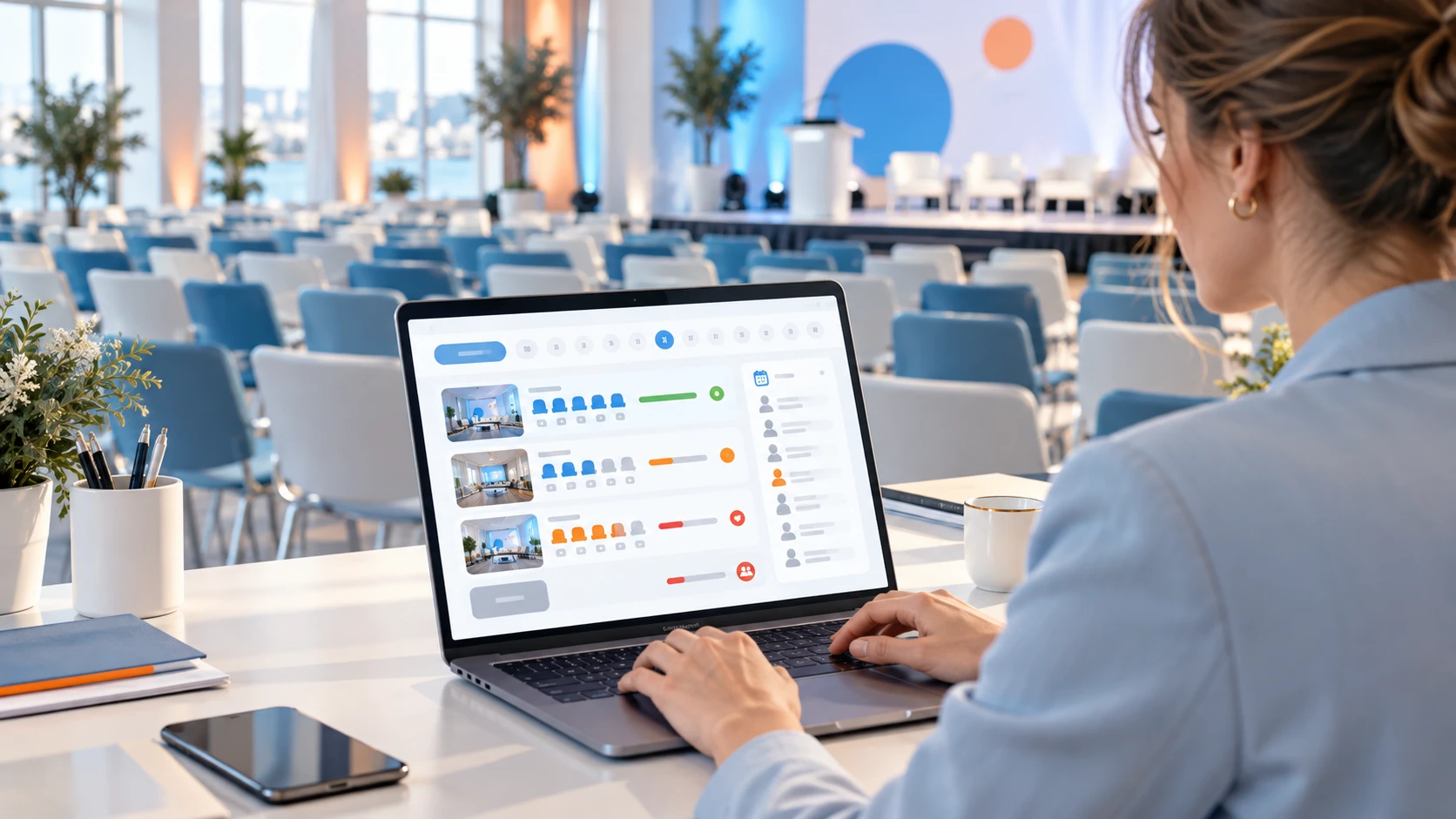
Why a limited seat is harder to manage than it looks
A workshop with twenty seats seems easy to organise: open the form, collect registrations, close at twenty. Then real situations arrive. Two people pick the last seat at the same moment, someone needs a companion, an important guest has to get in anyway, and someone else books two sessions that overlap.
A seat in a workshop is a promise made to a person. If the same promise is made twice, or to someone who then does not show up, you lose both ways: unhappy guests on one side, a half-empty room on the other.
The point is not to have more forms, but to have clear rules and a tool that applies them the same way every time.
When a basic form is no longer enough
For a meeting with few sessions and no companions, a form and a list may be enough; we covered the limits of that approach in Tool iscritti eventi: perché gestirli in modo dedicato (Italian). Things change when the event has:
- several sessions, workshops or visits with different capacities;
- staggered entry throughout the day;
- main guests with one or more companions;
- packages that combine several services;
- participant categories with different rules.
In these cases booking stops being a collection of names and becomes a small piece of logic to design. That is where a dedicated event booking system (Italian page) makes the difference.
What a slot is and why it must be dynamic
A slot is a participation window: a session, a workshop, a visit or an entry time band, with a start time and a maximum number of people. It is not a fixed value. The room can change, a repeat session can be added, a time band can close earlier than planned.
That is why slots should be created and updated directly by the secretariat, based on capacity, time, availability and priority. In the booking systems we design, slots are managed from the backoffice, the private panel used by the people organising the event.
The availability rules to decide first
Before configuring anything, it helps to write the rules down. There are only a few, but they must be decided:
- Capacity. How many seats each slot really has and whether you keep some reserved.
- Priority. Who has a right to a seat before others, for example speakers, guests of honour or a specific category.
- Overlaps. Whether a person can book two sessions at the same time (usually not).
- Companions. Whether they take a seat of their own or not.
- Changes and cancellations. Until when a booking can change and what happens to the freed seat.
These are dependencies between choices: defined during the project, they are then applied by the system, so each person sees only what they can actually book.
Waiting lists: first a rule, then a tool
A waiting list is useful when a slot is full but someone may still free a seat. Before thinking about the tool, answer four questions:
- In what order do waiting people get in: by request date or by priority?
- How long does a person have to confirm a seat that frees up?
- How, and through which channel, are they notified?
- What happens if they do not answer?
The answers become the logic of the project: slots, capacities and process controls are defined with the secretariat during the analysis phase, before the system is configured. The most useful rule remains the simplest one: people on the list should always know where they stand.
Companions, groups and packages
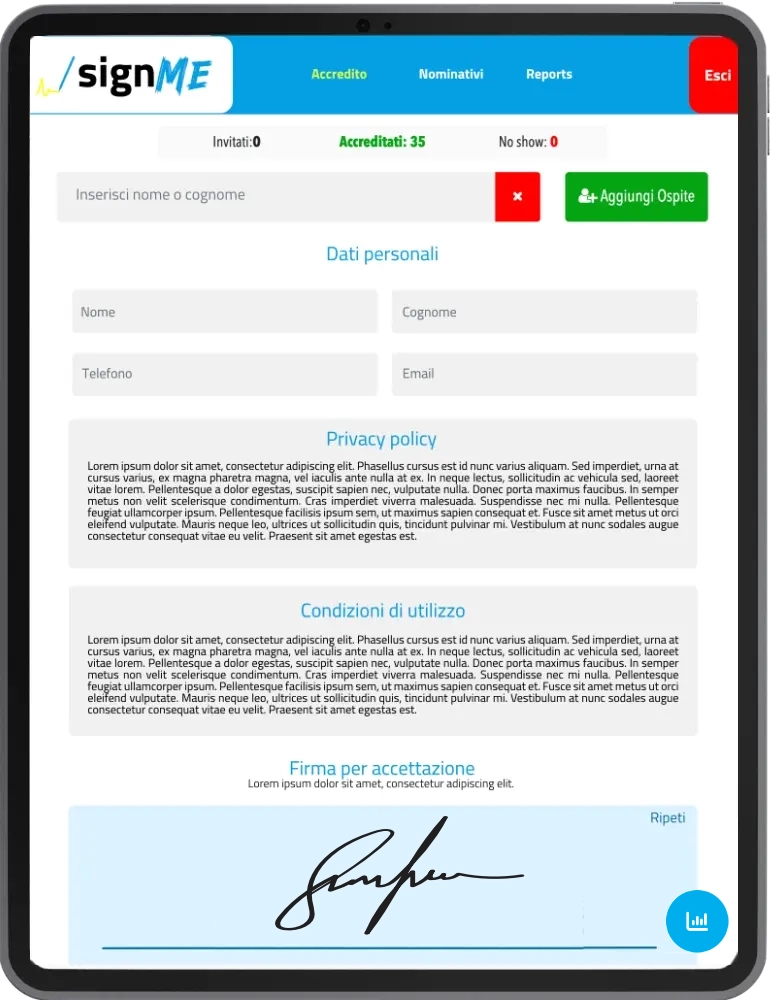
Many events include a main guest with one or more companions. In an advanced system the companion is linked to the main guest, with their own record, participation rules and dedicated checks. This lets you decide, for example, whether they can attend a workshop or only part of the programme.
The same goes for packages, meaning services sold together, such as a workshop plus a dinner or a session plus a hotel night: the slot booking and the purchase must stay linked. If the workshop is paid, collecting payments is covered in Paid registration: how to collect event fees and services without chasing bank transfers.
From booking to the room entrance
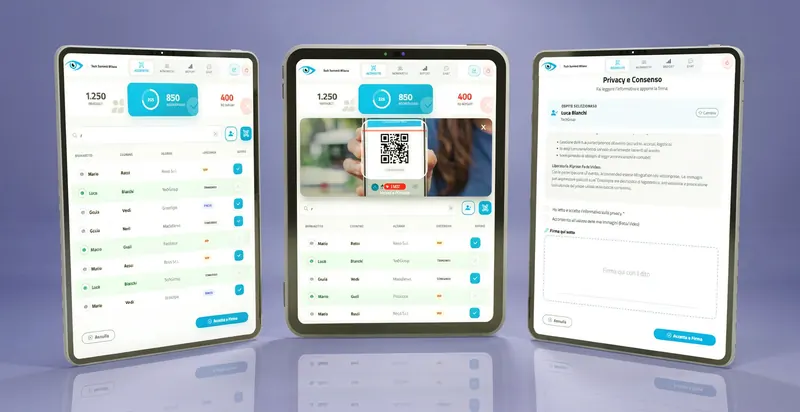
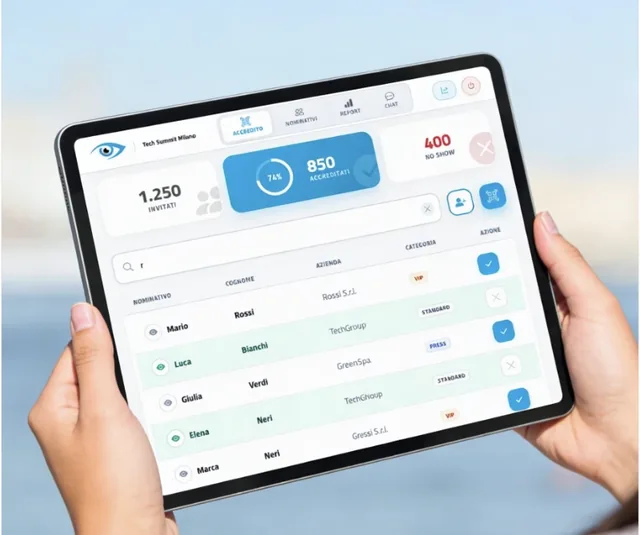
A booked seat is of little use if nobody at the door knows who is entitled to enter. That is why booking should talk to access control: each booking generates an individual QR code, or one linked to the booking, and at the entrance check-in is done by QR code or by name search. In I.T.S. Planet projects this step relies on webRay® and goAhead+, the QR code accreditation system (Italian page).
If there is more than one room or entrance, access control becomes a topic of its own: we covered it in Checkpoint multipli: come gestire il check-in digitale (Italian). And to keep the audience active once inside, see Engagement eventi: gli strumenti più richiesti (Italian).
How a booking system is built, step by step
- Analyse the flows. Registration, access rules, availability, guest categories and purchasable services.
- Design the booking logic. Slots, capacities, packages, companions and dependencies between choices.
- Configure what the participant sees. Event site, forms, booking screens and clear confirmations.
- Configure the backoffice. Control panels, slot parameters, updates, exports and tools for the secretariat.
- Connect QR codes and check-in. The step from booking to entrance must be smooth and traceable.
- Test before release. Consistency of the rules, slot behaviour, bookings and validation at accreditation.
Before opening bookings
Check these six points
The real capacity of each slot, verified with whoever manages the room.
Rules on priority and overlaps written down and the same for everyone.
A rule for the waiting list and for seats that free up.
A complete test run, from booking to check-in, done as a participant would.
Who in the secretariat can change slots and capacities.
A plan for access on the day: QR code, name search or both.
Frequently asked questions
Slots can be created, configured and updated from the backoffice based on capacity, time, availability and priority. Which changes are allowed once bookings are open should be decided in the project rules. It is a platform designed around your project. We start from the webRay® framework and the goAhead+ accreditation systems and build the logic specific to the event, such as slots, packages and companions. Yes. The system can generate individual QR codes, or codes linked to the booking, and accreditation at the event can be done by QR code, name search or hybrid procedures integrated with goAhead. Yes. Companions can be linked to the main guest, with their own records, participation rules and dedicated checks. Complex events: staggered entry, sessions with capacities, packages or bookable services, guests with companions and differentiated categories. For a simple meeting a form may be enough.Can slots be created and changed after bookings open?
Is it an off-the-shelf product?
Is booking linked to check-in?
Can companions be included?
Which events is it for?
Do you have an event with closed-capacity sessions?
Tell us about your case: we can configure a platform with dynamic slots, packages, companions and integrated accreditation, starting from the real rules of your secretariat.
Tell us about your case