Italiano
When Excel stops being enough
Excel is an excellent tool, and for a small event, with a single operator and no payments to handle, it can be enough. The problem starts when the event grows and the spreadsheet becomes the centre of work involving several people.
The file "iscritti_master.xlsx" is on your desktop. But is it the same one the accounts team uses? Who updates payment status? And which list will the check-in team use?
If this scenario sounds familiar, you have probably already seen some of these signs:
- several people edit the same file and no one is sure they have the latest version;
- every change (name, ticket category, invoice request) arrives by email and must be copied by hand;
- payments are checked one by one on the bank account and marked by hand;
- on the event day you print lists that are already out of date, because someone has registered or paid in the meantime;
- secretariat, accounts and check-in work on different data.
The consequences are well known: badges with wrong names, lost payments, attendees waiting in line, and a team that spends hours correcting instead of welcoming.
What "all-in-one" secretariat software means
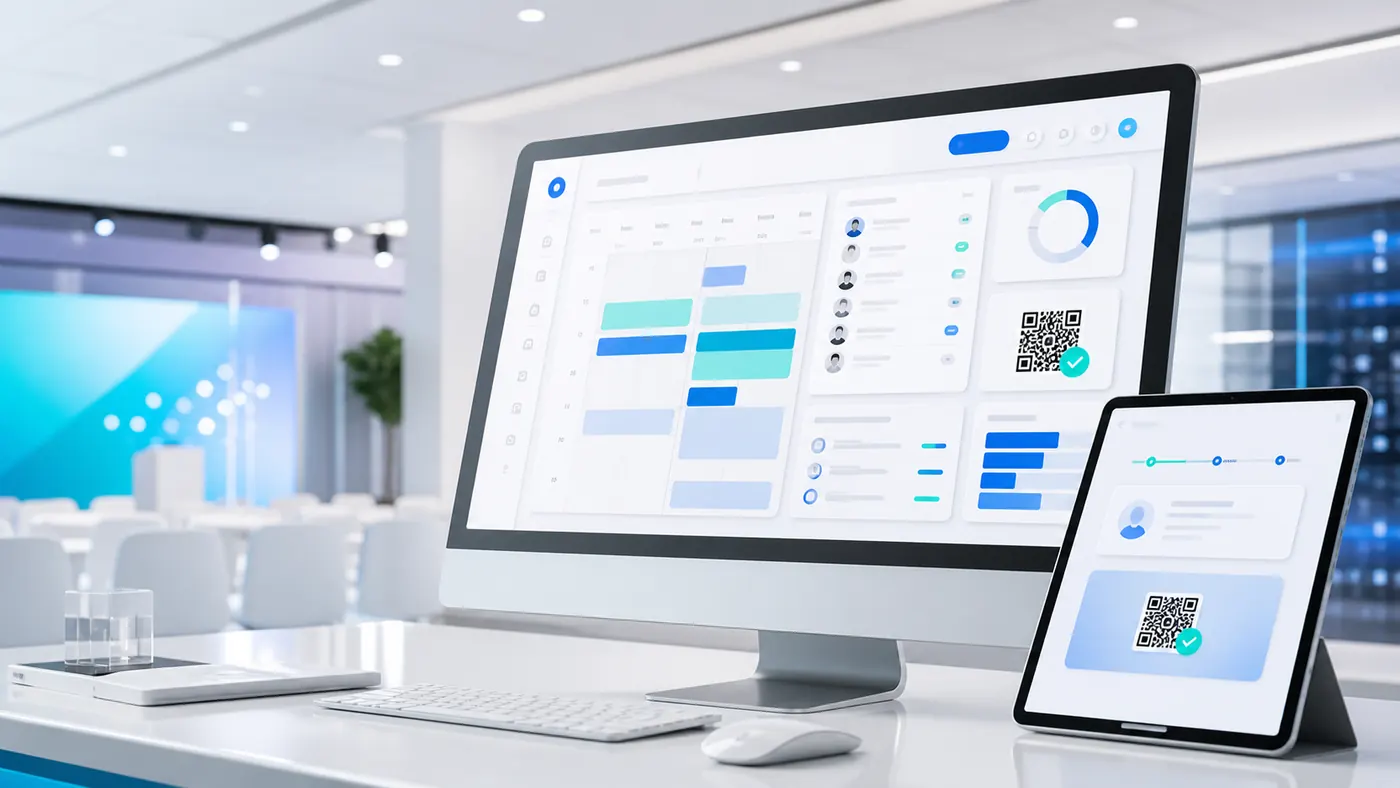
A single event platform is not just a replacement for Excel: it is a central archive where every piece of information, from registration to the final survey, is recorded, updated and made available to those who need it, when they need it.
In practice, secretariat, accounts and check-in work on the same data. If you are also interested in connecting with company systems, read Integrare la segreteria organizzativa con i sistemi aziendali: come farlo bene (in Italian).
Registrations: from manual entry to automation
Registration is the first contact with the attendee, and Excel makes it cumbersome.
- With Excel: you create a form (online or PDF), send it and then copy the data by hand into a sheet. If an attendee wants to move from "standard" to "VIP", they write to you, you find the right row, edit it and hope you make no mistakes.
- With secretariat software: the online registration form is linked directly to the archive. It can handle several ticket categories (for example early bird, standard, VIP) and conditional options: if you choose the gala dinner, the menu choice appears. Confirmations go out automatically by email and, where provided, by SMS.
Attendees can also log into a private area and correct their own details, without filling your inbox. The result is less manual entry, fewer typos and data in one place. If you collect information such as food allergies, have a privacy adviser tell you how to handle it. To get emails delivered, read Email eventi anti-spam: come evitare filtri e blocchi (in Italian).
Payments: no more chasing bank transfers
Payment management is a pain point for many secretariats.
- With Excel: the registrant says "I will pay by bank transfer" and you write "pending". Every day you check the account, look for the transfer (often with unclear references), match it to the right row and update the status. With hundreds of registrants it becomes a job in itself.
- With secretariat software: the platform can connect to online payment systems, such as credit card or PayPal. When the registrant pays, the status changes from "pending" to "paid" without your intervention.
For bank transfers, many solutions assign each registrant a reference code to put in the payment note, which makes it easier to match payment and person. How automatic the recognition is depends on the solution you choose, so ask your supplier.
The paperwork changes too: the platform can generate the receipt or connect to the invoicing system you use. Tax rules depend on your case, so it is wise to agree them with your accountant.
Check-in: the end of paper lists
The event day is the moment of truth.
- With Excel: many pages are printed and staff scan the list with a highlighter. Anyone who registered or paid at the last minute is not on the list, and queues form.
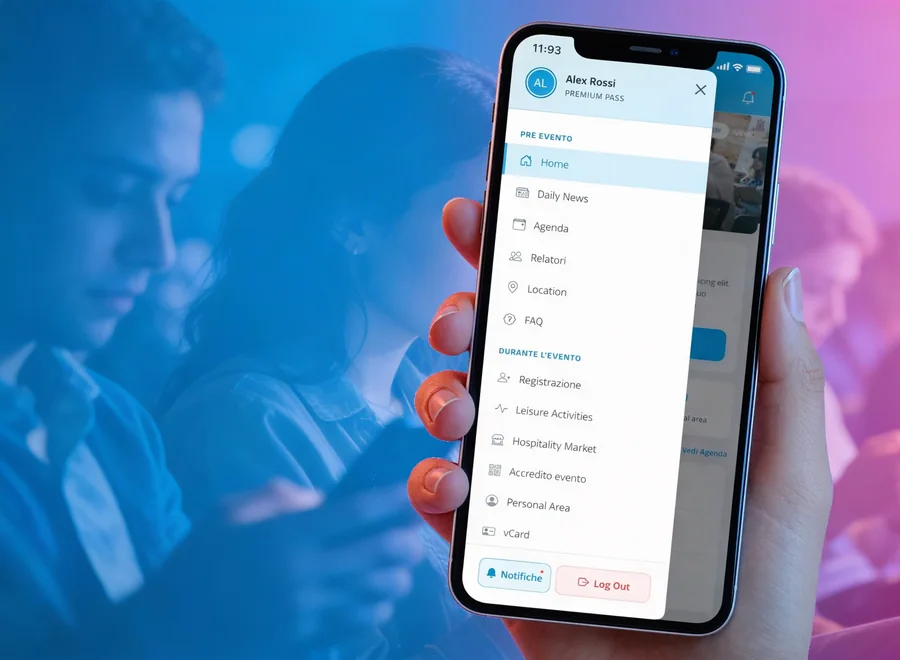
- With secretariat software: staff use an app on a tablet or smartphone. The attendee shows the QR code received in the confirmation email and it is scanned; if they do not have it, the name is searched in the app. The list is synchronised with the central archive, so someone who registered a few minutes ago is already there. You see in real time who has come in and who is missing and, where provided, print the badge on the spot.
To go deeper into check-in methods, read Check-in digitale: QR code, spunta o firma?, and for mistakes to avoid on the event day Accrediti all'evento: i 5 errori che creano code e stress, e come evitarli (both in Italian).
How to choose the right software
Moving from Excel to software is not money down the drain, but it must be chosen with care. These are the points to focus on:
- A single solution: avoid using one programme for registrations, one for emails and one for payments. Efficiency comes from having everything in a single system covering the whole event cycle.
- Payment flexibility: check that it supports the methods your audience uses, including traceable bank transfers.
- Security and privacy: an Excel file is easy to copy, send and lose. Professional software allows role-based access (the check-in team does not need billing data) and keeps data in protected environments. Ask your supplier where the data is and how long it stays, and have the procedure assessed by a privacy adviser.
- Support and growth: choose a partner who responds when needed and can grow with you. Our event secretariat platform, webRay®, brings together registrations, guests, communications, payments, reports and event operations (page in Italian).
Questions to ask your supplier
The data Excel does not show you
The real value of software is not only the time you save, but the data you gather. Excel tells you who registered. Secretariat software can also help you understand:
- which promotion channel brought the most registrations;
- what time the arrival peak happened at check-in;
- which sessions had the most attendees;
- how many registrants actually went on to pay.
With this data, read on dashboards and in some cases with more advanced analysis tools, you decide with more insight where to invest your budget, how to organise the programme and what to improve at the next edition.
Frequently asked questions
Yes: for a small event, with a single operator, a stable list and no payments to handle, it can be enough. When several people, payments or lists that change until the last minute come into play, it is worth considering software. Usually yes, but it depends on the solution. Ask your supplier which formats it accepts and how imported data is checked before use. It depends on the solution. Many assign a reference code to put in the payment note to make matching easier. Ask how automatic recognition is and what is left to check by hand. It depends on the complexity of the event. It is wise to start early, before registrations open, and not when the event is already under way.Is Excel still fine in some cases?
Can I import the data I already have in Excel into software?
Does the software also handle bank transfer payments?
How long does it take to move to software?
Ready to leave Excel behind for your secretariat?
Tell us about your event: we show you how registrations, payments and check-in can work on the same data, with no files to chase.
Discover webRay®, the event secretariat platform