Italiano
When the room loses focus
It is three in the afternoon, just after lunch. The speaker has been talking for an hour. Someone checks email on their phone, someone else has a question but does not want to raise a hand in front of two hundred people. Nobody is being rude: the format is simply one-way, from the stage to the listeners.
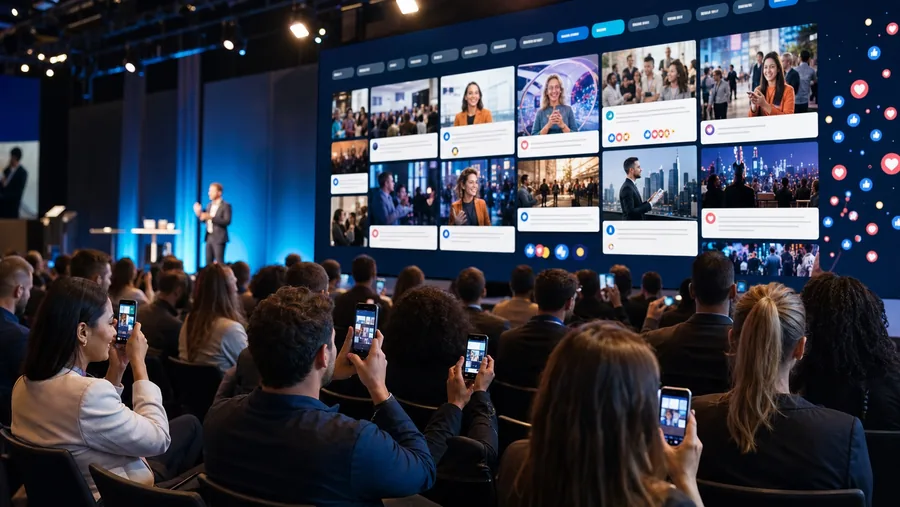
Interactive tools change that balance. They let the audience speak up from a smartphone, simply and anonymously if needed, and let the speaker see how the room is doing in real time. You move from "one-to-many" communication to a conversation with many voices.
Engaging does not mean entertaining at all costs. Each tool must serve the goal of the session: understanding what the room thinks, collecting questions, helping people meet.
Audience questions: live Q&A
In Q&A sessions the usual voices often speak, or whoever has the loudest voice, while shyer people stay silent. With a live Q&A attendees type their question on their own smartphone and send it to the control room. The control room moderates it and passes it to the moderator on stage, on their tablet or on the big screen.
- Advantage: questions come out that would otherwise not be asked, and moderation prevents off-topic remarks.
- To check: some solutions also let people vote on questions or send them anonymously. Not all do, so ask your supplier.
You can find our tool at live Q&A for events (page in Italian), and it is also part of eventMe.
Live polls: a room that answers
Live polls are perhaps the most immediate tool for waking up a room. You ask for an opinion, people vote from their phones and the results appear at once on screen, as charts that update.
For example, at a company convention, instead of showing sales data passively, a CEO could ask the audience to guess the year's trend and then reveal the real figure. It creates anticipation and gives the room a reason to look at the screen.
More details at live polls for audiences (page in Italian).
Gamification: when the game serves the goal
Gamification applies game mechanics to a professional setting. It is not about playing for its own sake, but about guiding behaviour inside the venue.
- Points and leaderboards: points are awarded for specific actions, such as asking a question, joining a quiz or scanning a QR code.
- Badges: digital recognitions unlocked on one's profile.
- Prizes: if the event includes them, virtual effort can become a prize collected on site. In that case rules on contests and prize promotions may apply, to be checked with an adviser.
An effective example is the treasure hunt: guests find QR codes hidden in different spaces to unlock clues and badges, and move between the event areas, partner stands included. On using these mechanisms to showcase sponsors, read Gestione sponsor eventi: come centralizzare e valorizzare, and for more on the topic Gamification per eventi: come coinvolgere pubblico e networking (both in Italian).
Networking: helping people get to know each other
One reason people attend live events is to meet others, but breaking the ice with strangers is not easy. Digital tools can act as facilitators:
- Interest-based matching: based on the information in profiles, the platform suggests who may be worth meeting.
- One-to-one chat: private messages inside the web app, without having to swap personal phone numbers or emails.
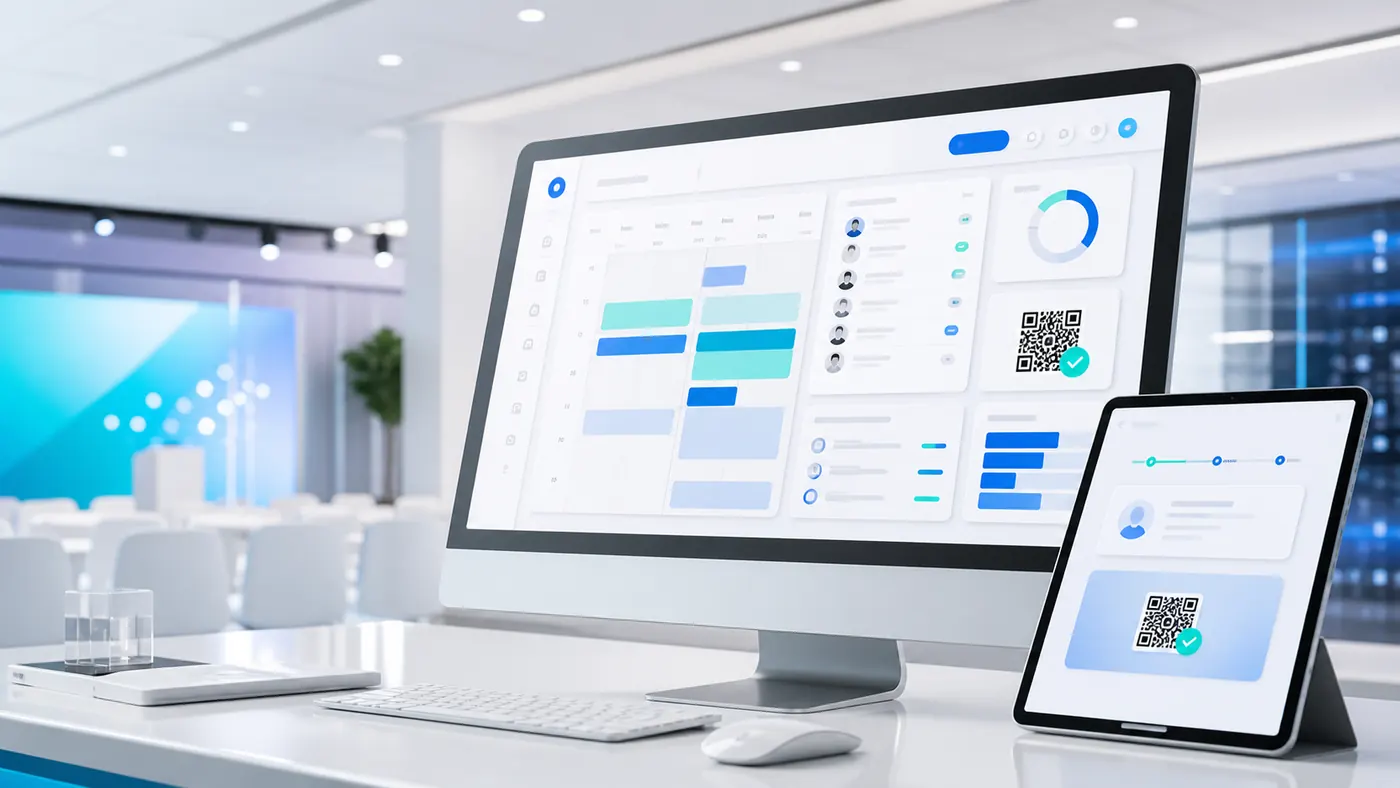
- Digital business card: a QR code that, when scanned, saves contact details into the other person's address book.
- Booked meetings: the option to set up an in-person appointment directly from the app.
Remember that these cases involve personal data: profiles should contain only what people choose to share, with a clear notice. Have the procedure assessed by a privacy adviser.
How to choose the right tools
You do not need to use every tool: you need the right ones for your audience and for each session's goal.
Before choosing, check
To go deeper into two of these points, read Web app eventi: perché preferirle alle native and Piattaforma eventi con il tuo marchio: perché conviene (both in Italian).
Measuring what happened
Many organisers take down the stage and forget the data. When the tool collects it, it is worth looking at least at:
- How many people used it compared with those present in the room;
- When participation rose and when it dropped, to build the programme of future editions better;
- Which topics generated the most questions in the Q&A;
- How attendees answered satisfaction polls and final questionnaires.
Which data is available depends on the solution. Be careful not to attribute to the tool commercial results that depend on many factors: it is more useful to compare the data with the goals set before the event.
Frequently asked questions
It depends on the solution. A web app, such as eventMe, opens from the browser on any smartphone or tablet, without going through the stores. Use one tool at a time, introduce it aloud and tie it to a specific moment of the session. A control room that moderates questions and results helps keep the pace. It depends on the solution and on the venue's network. Ask your supplier whether it has been tested with an audience like yours and run a trial before the event. In many solutions yes. eventMe, for example, has a modular architecture: you activate only the modules the event needs.Do attendees have to download an app?
How do I stop the tools from distracting from the speaker?
Do the tools work with a very large room?
Can I activate only some features, for example Q&A and polls?
Want your audience to take part, not just listen?
Tell our team about your event: we help you choose the most suitable interaction tools and integrate them with your brand.
Discover eventMe, the event web app