Italiano
Why the paper sign-in sheet is no longer enough
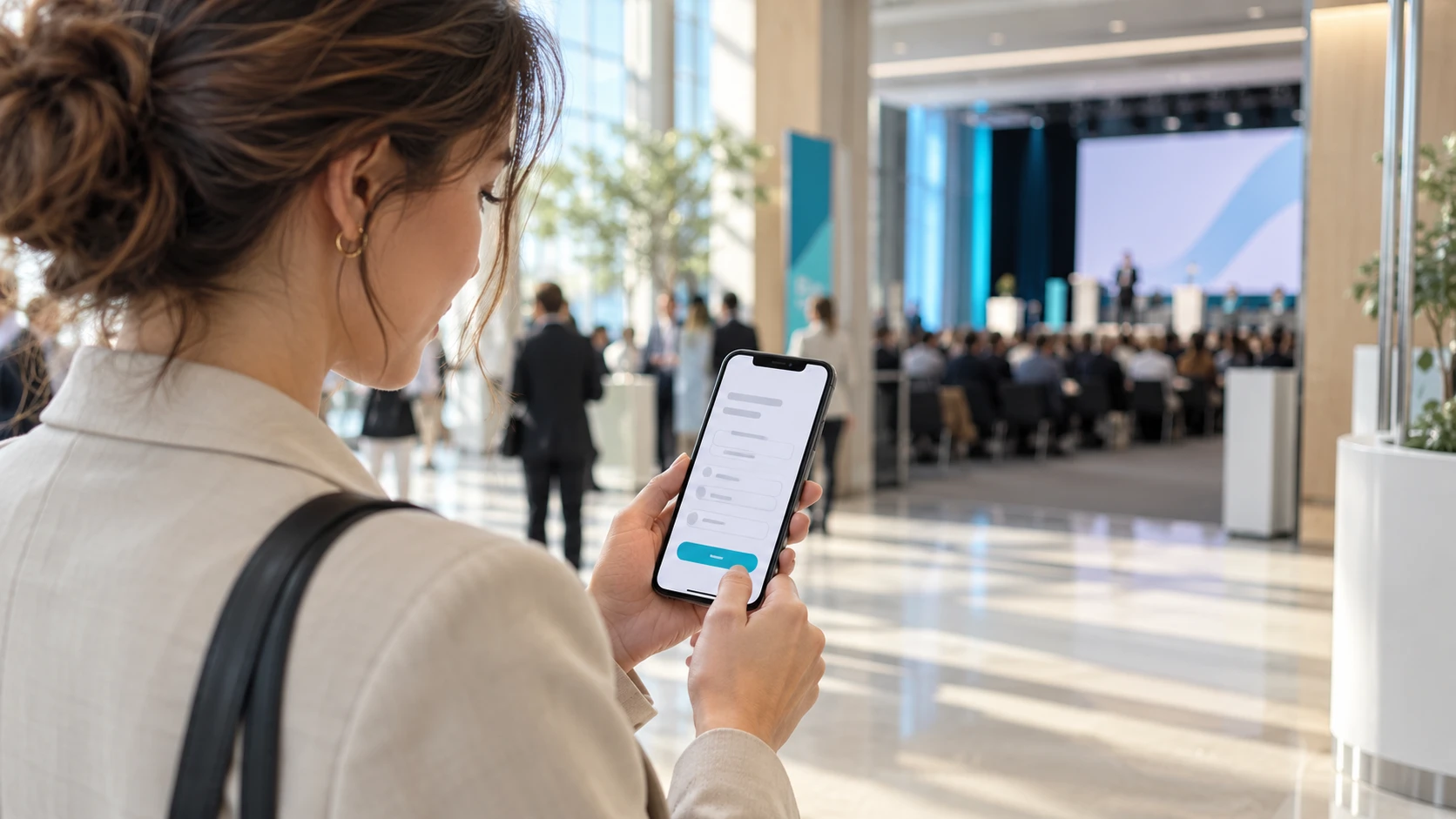
Anyone who has run a training course, a convention or a test-drive day knows the scene: a table at the entrance, a pile of forms and a pen that stops working by mid-morning. Every guest has to sign the privacy notice, perhaps a photo and video release, and meanwhile the queue grows.
The problem does not end at the desk. After the event someone has to count the sheets, work out who is missing, decipher the signatures and file everything in a binder. If a request for checks arrives months later, finding one person's document can take longer than the event itself.
Tablet signing exists to remove these steps. The guest signs with a finger or a stylus directly on the screen, the system generates a PDF and attaches it to the guest's record. No paper to copy out, no pens to chase, and an archive you can search by name.
How tablet signing works, step by step
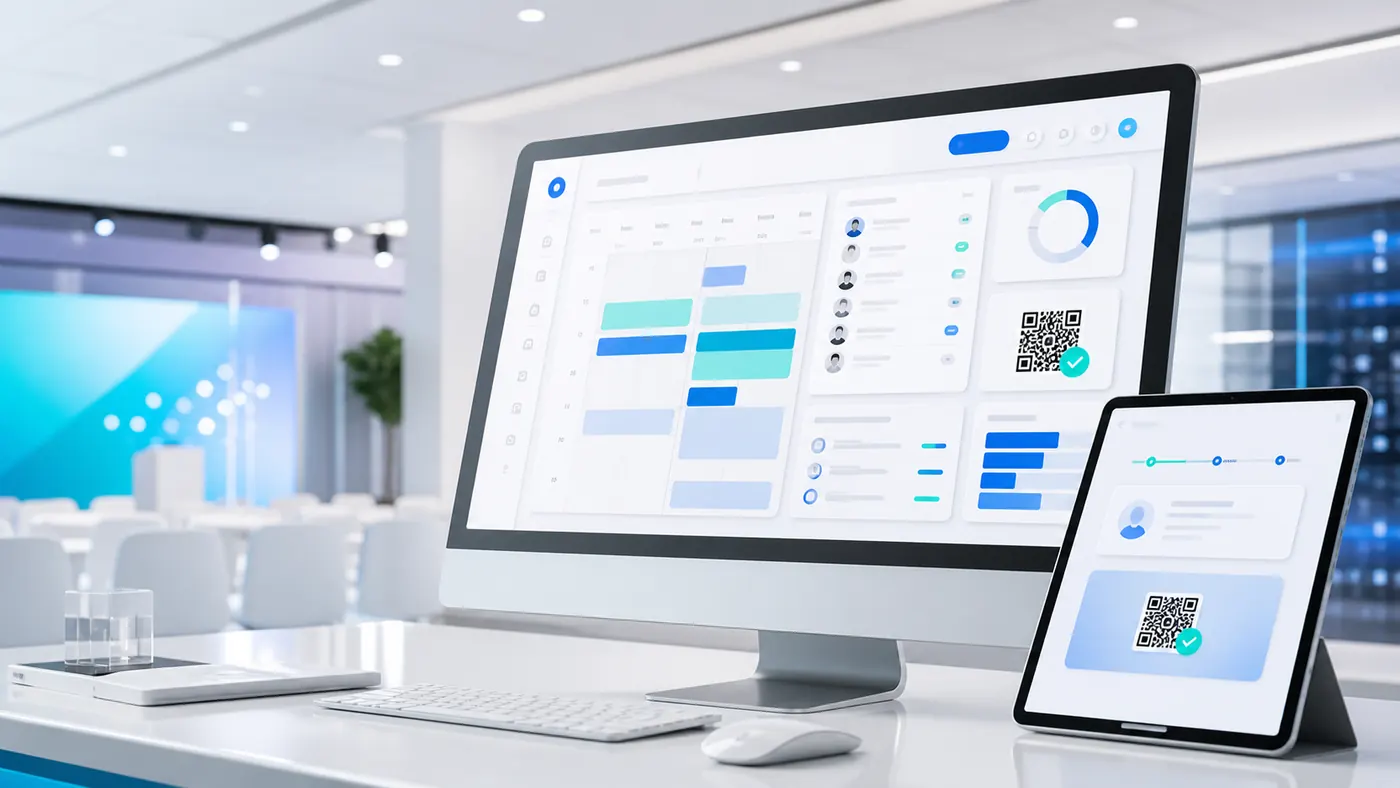
The signMe flow, I.T.S. Planet's software for check-in with digital signature, is designed for the desk and for people who work there without technical training. It runs in the browser, so hostesses do not need to install any app: a modern tablet connected to the internet is enough.
- Find the guest. The operator types the first letters of the name and picks the guest from a preloaded list. If an unexpected person turns up, the operator registers them on the spot.
- The guest reads the document. The full text appears on screen: privacy notice, filming release, event rules or any other configured document. The guest can read it calmly before moving on.
- Sign and confirm. The guest signs in the box and ticks the required consent boxes. A single button, "Accept and Sign", closes the step.
- The document is archived. The signed PDF, with text, date, time and guest details, is saved in the cloud and stays available to the secretariat at any time.
According to the product sheet, signing takes a few seconds, a time that does not slow down the gates even when many people arrive together. For the rest of the day the operator sees live counters of invited, checked-in and absent guests, and can coordinate with the control room through the system's internal chat.
Several consents, each with its own box
A single signature is rarely enough. A guest may have to accept the privacy notice, which is mandatory, and then decide whether to authorise the use of their image or receive promotional messages, which are optional choices.
On paper these consents often end up in one form, with boxes ticked in pen and the risk that one gets skipped. In the digital system each consent is a separate box, marked as mandatory or optional: the confirm button unlocks only when the mandatory boxes are ticked, and anyone who does not want to grant an optional consent can simply leave it empty.
Organisers can insert custom legal texts for each document, change the logo, colours and welcome screen to match the client's identity, and prepare different forms for different events. The legal texts should still be written or checked by whoever handles privacy for the company: the software shows and collects them, but it does not replace them.
What is a signature made on a tablet worth?
It is the question almost everyone asks, and rightly so. In general, a signature collected on a tablet is a simple electronic signature. For documents such as the privacy notice and consents it is usually sufficient, whereas complex contracts need stronger signatures. For it to hold up, though, the drawing of the signature is not what matters: what matters is being able to show a few things.
You need to be able to link the signature to a specific person, for example through an email, a document or a registration. The document must not appear modified after signing. There must be a record of when and in what context it was collected, such as date, time, IP address or device. And the person must have had the chance to read what they were signing. signMe records logs, IP address, date and time and a device fingerprint precisely to support these checks.
A practical tip: before using a signing system for a regulated event, review the texts and collection method with your privacy or legal adviser. No software can guarantee on its own the validity of a consent in every situation.
Which events really need it
An ordinary event that only needs entry control can manage with a tick or a QR code. A signature becomes useful when mere presence is not enough and you need proof that the guest has read and accepted conditions.
This happens in training courses and educational events, where the attendance register must be kept and searchable; in test drives and events with vehicles, where a liability release is signed; in trade shows and conventions with restricted areas or with video and photo filming; in corporate events that handle sensitive data. In all these cases signing at the desk is a necessary step, and doing it on paper is the slowest way to do it.
If you want to see how signing compares with the other check-in methods, we covered it in a comparison of manual ticking and QR codes, and in the article on digital check-in for courses and training events, where the attendance register is the central topic.
What to check before choosing
Not every digital signature tool is designed for a desk in the middle of a crowd. Before deciding, it is worth verifying a few very concrete points.
Questions to ask the supplier
Signature, tick and QR code: the same logic
signMe is part of I.T.S. Planet's check-in suite together with goAhead, which uses a digital tick, and goAhead+, which reads the personal QR code. The three systems share the same logic and the same data, so you can pick the method that suits each event, or even combine them: a QR code to get in quickly and a signature only where a consent is needed.
For those who also manage registrations, signMe works alongside the webRay® event secretariat platform, so guest records do not have to be reloaded from one system to another.
Frequently asked questions
No. signMe runs in the browser on any modern tablet and needs no proprietary hardware. Guests sign with a finger or a stylus. Yes. The operator can register a new name on the spot and have the guest sign straight away, without leaving the flow. Each PDF is archived in the cloud, within the European Union, and the secretariat finds it with a search. For retention periods and specific obligations it is best to ask your privacy adviser. In general a tablet signature is a simple electronic signature, usually sufficient for privacy notices and consents. The assessment depends on the context and the document, so it is best to talk to a legal adviser before adopting it.Do I need special tablets?
Can it be used with guests who are not on the list?
Where do the signed documents end up?
Does a tablet signature have legal value?
Need a signed attendance register?
Tell us what kind of event you run and which documents guests have to sign: we will show you how signMe works for your case.
Discover signMe