Italiano
Why collecting audience questions is harder than it looks
At a conference, the question time seems the easiest part: the speaker finishes, the moderator invites the room to speak and someone raises a hand. In practice it nearly always goes the same way. A microphone is passed from hand to hand, it takes time to reach the back of the room, the most confident people speak and anyone with a question who does not want to raise a hand stays silent. When time runs out, the most interesting question is often the one that was never asked.
To complicate matters, the moderator has to do three jobs at once: listen to the question, judge it and decide whether to pass it to the speaker. If they also have to handle the microphone, the rhythm of the session is lost.
Q&A works best when collecting questions and choosing which ones to bring on stage are two separate moments.
Collecting questions from the phone: what makes the audience use it
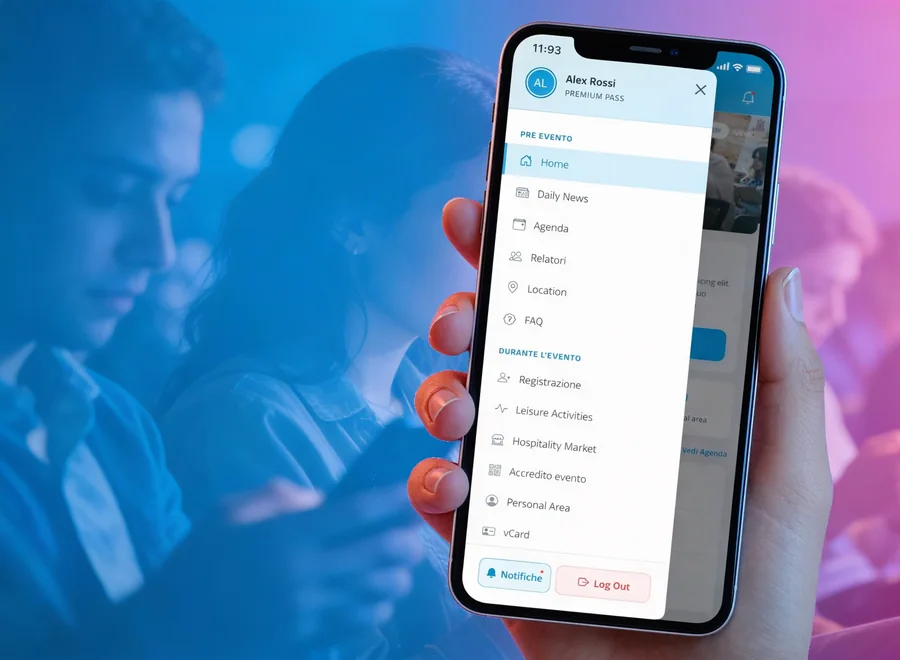
The basic idea is simple: everyone writes their question from their phone while listening, without waiting for their turn. To really work, though, getting into the tool must take a few seconds. With askMe the participant scans a QR code or opens a link, without downloading any app and without creating a complicated account. Access can be set up with a simple nickname or with email and nickname, depending on what the organisation needs.
The benefit is not only practical. Writing from the phone lets people take part even if they do not feel like speaking in front of a full room, and to do so when the question arises, not twenty minutes later. It is the same principle behind tools for engaging a live audience, which we covered in La sala si distrae? Gli strumenti per coinvolgere il pubblico di un evento dal vivo (Italian) and in Engagement eventi: gli strumenti più richiesti (Italian).
The role of the moderation desk: choosing before questions reach the room
An open chat shows every message as soon as it arrives: repeated questions, jokes, off-topic content. A well-run Q&A instead has a moderation desk, meaning a person or a small group who read each question before it reaches the room. In askMe, questions are not published automatically: the desk decides whether to approve it, delete it, send it to the speaker or show it on the big screen.
This is not censorship, it is order. If ten questions arrive on the same topic, the desk can pick the clearest and keep the others as reference, so the speaker does not receive the same subject ten times. It can also set banned words, to reduce the risk of content unsuitable for the context. The advice, valid with any tool, is to give this role to a dedicated person: it cannot be whoever is already moderating on stage.
Bringing up the questions everyone cares about
When there are many questions, the risk is answering the first ones to arrive rather than the most felt. That is why it helps to let the audience vote on approved questions: those with the most votes show where to start, and the moderator has a shared criterion to choose. Voting makes the session more democratic, because priority does not depend on who manages to grab the microphone first.
A similar participation mechanism, applied to games and networking, is described in Gamification per eventi: come coinvolgere pubblico e networking (Italian).
The moment of the answer: speaker and room on the same question
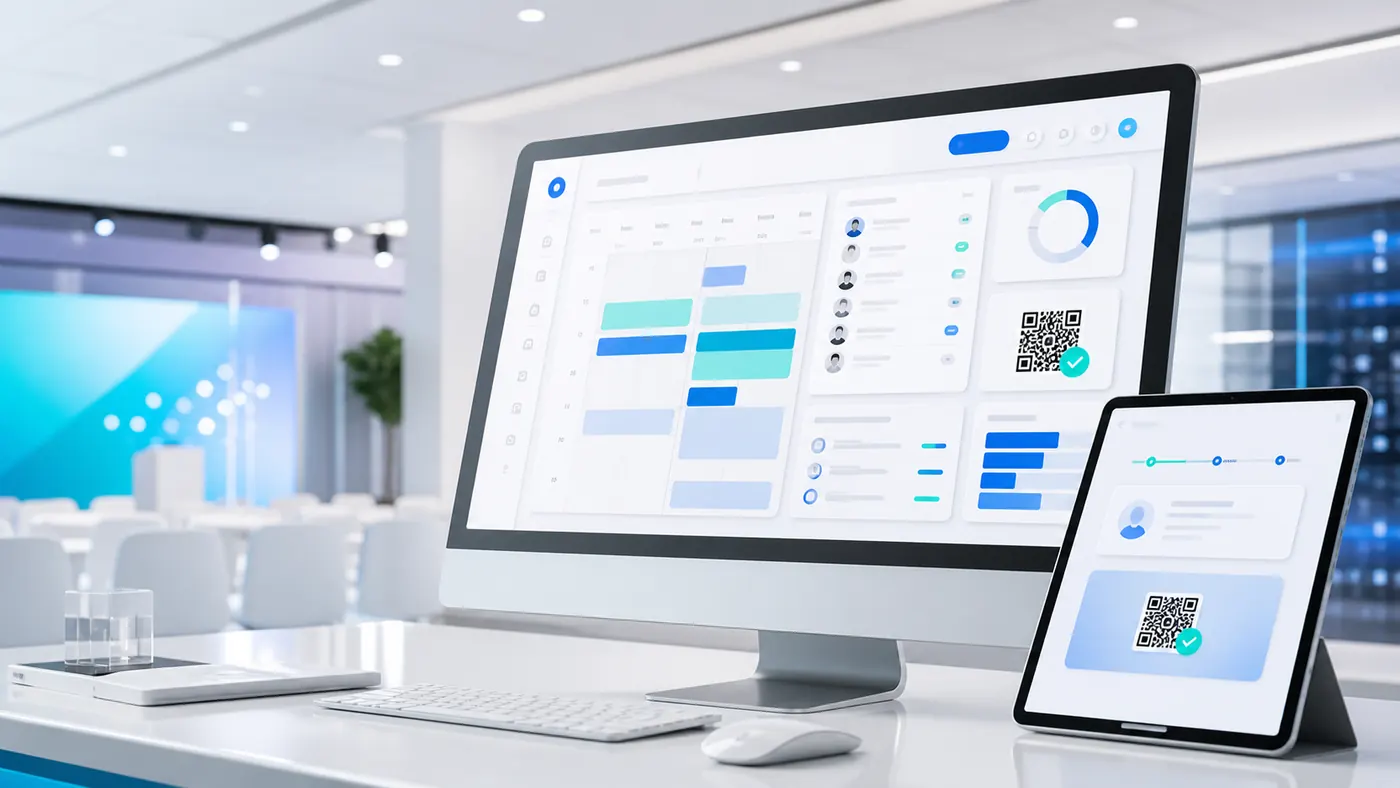
One last step is often overlooked: getting the question to the speaker in a readable way. In askMe the speaker uses a dedicated view for tablet or iPad, which shows only the questions selected by the desk, with the text highlighted, the nickname, the votes and the session. No chat to chase, no screens full of messages.
When needed, the desk also sends the question to the big screen, an LED wall or a projection, with the queue of upcoming questions. This way the whole room follows the same question at the same moment, the speaker answers more calmly and the audience understands where the session stands.
How to organise a question session, step by step
- Decide times and sessions. How many minutes for questions in each talk and whether you need one session per speaker or panel. With several speakers it helps to create separate sessions, so each question reaches the right person.
- Choose who runs the desk. A dedicated person, who knows the programme and can approve or discard questions.
- Show the QR code at the right time. On the slides and the big screen, at the start of the talk and not only at the end, so questions are collected as they arise.
- Set the rules. How to handle duplicates, which words to ban and how many questions to bring to the speaker.
- Run a test with the speaker. A few minutes before the session, to check the tablet view and how the big screen reads.
What to do with the questions after the session
Once the session is over, the questions are no longer just a moment of dialogue: they are a trace of what the audience really cared about. Questions and the votes received can become a report, a starting point for speakers' and sponsors' content or an opportunity to follow up with attendees. It is a value that a microphone passed from hand to hand does not leave behind: afterwards, nothing remains of what was asked.
When a chat is enough and when you need a desk
For a small meeting, with few talks and a small room, a shared chat or a simple form may be enough. Things change at congresses, conventions and meetings with several speakers, where questions are many and time is short: there, an orderly flow with selection, voting and a speaker view makes the difference. If Q&A is part of a broader event web app, it can sit alongside agenda, networking and polls, for example with eventMe and pollMe (Italian pages).
Before the question session
Check these six points
A dedicated person at the desk, not the moderator on stage.
QR code and link visible on slides and the big screen for the whole talk.
Rules on duplicates and banned words decided before the start.
Speaker view tested on the tablet they will use.
Big screen or LED wall checked for reading from a distance.
Sessions created for each speaker or panel.
Frequently asked questions
No. Participants join from the browser via a QR code or the event link, without downloading anything. No. Every question first goes through the desk, which decides whether to approve it, delete it, send it to the speaker or show it live. It is recommended. askMe works best when a person follows the live moderation, chooses the questions and coordinates the speaker and the big screen. Yes. The desk can create several sessions and direct questions to the right speaker or session.Does the audience need to install an app?
Are questions published automatically?
Do I need someone at the desk during the event?
Can several question sessions be managed?
Do you have a conference with many speakers?
Discover how askMe brings questions from the audience to the stage, with a desk that selects them, orders them and shows them at the right moment.
Discover askMe