Italiano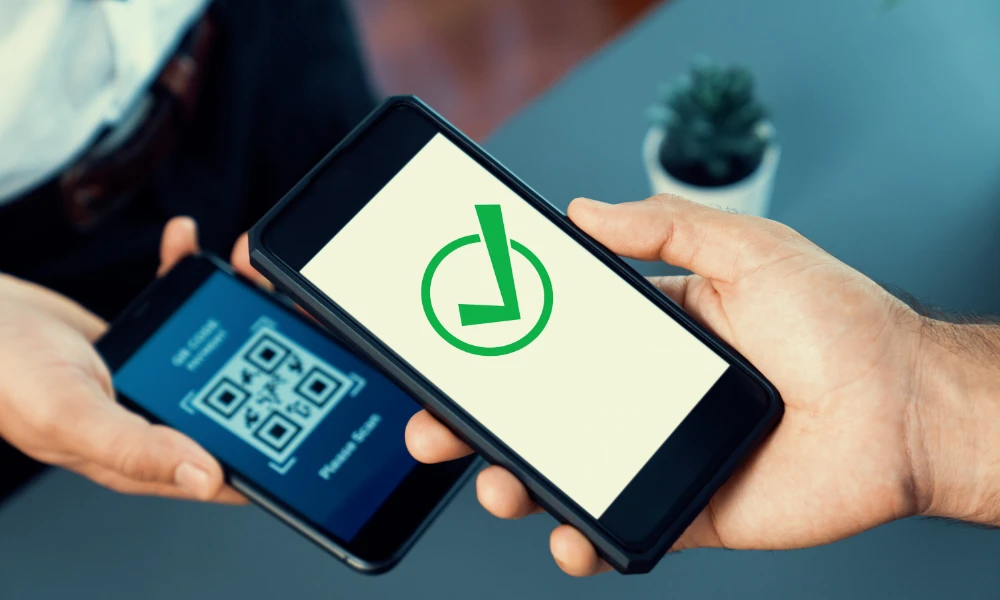
Registration and accreditation: two different phases
Managing an event involves distinct phases, each with its own technology needs. The first is registration, whose purpose is to collect sign-ups: many online forms and ticketing systems handle this beautifully.
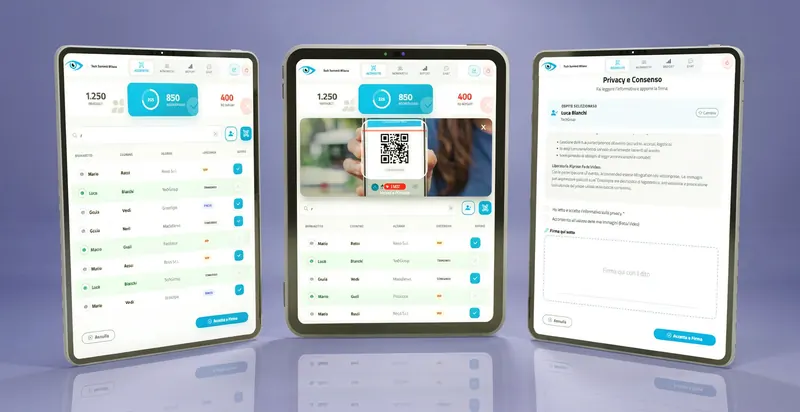
The second is accreditation (or check-in), which happens on the day of the event and covers the physical management of entry. This phase requires specific capabilities:
- Generating a unique, scannable identifier: the QR code.
- A centralized database that updates in real time.
- A mobile app for fast scanning at the door.
The problem arises when the platform used for registration lacks the capabilities for this second phase. That's not a shortcoming of the organizing secretariat — it's simply a characteristic of the tool chosen, which wasn't designed for smartphone-based access control.
The challenges of check-in without QR codes
When there's no QR code system, the only alternative is analog check-in based on paper or digital lists (like spreadsheets). This approach comes with several operational drawbacks.
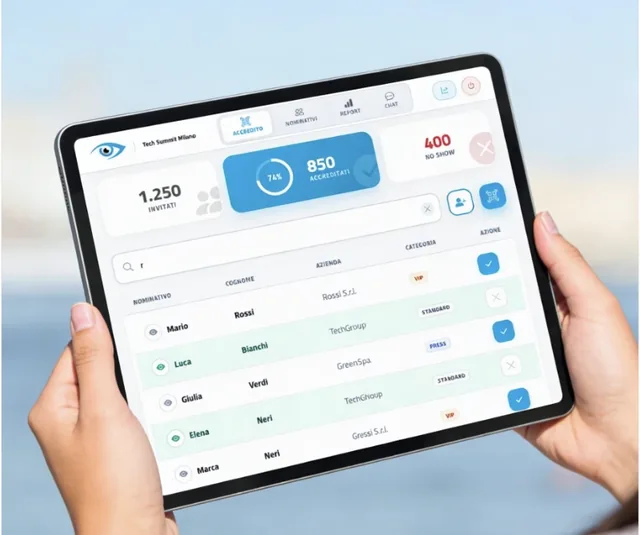
- Slower entry flow: manually searching for a name on a list takes far longer than a scan, creating queues especially at peak arrival times.
- No real-time data: a manual system makes it impossible to have an up-to-date overview of how many guests, and which ones, have already checked in — valuable data for coordinating internal activities like starting sessions or timing catering.
- A perception of being behind the times: check-in handled with pen and paper can project an image out of step with the times, undercutting effort put into other parts of the organization.
- More work for staff: the welcome desk team is under more pressure and needs more people to handle the same number of guests compared to an automated system.
The solution: import, generate, send
Overcoming the limits of the initial registration platform doesn't mean replacing it — just pairing it with a specialized accreditation tool that steps in later. The workflow breaks down into three steps:
- Importing the list: the file with attendee data (Excel, CSV) is uploaded into the new system.
- Generating the QR codes: the specialized platform creates a unique QR code for each attendee on the list.
- Sending the invitation: a new email reaches every attendee, with their personal QR code and clear access instructions.
This workflow makes it possible to set up professional QR code check-in management without changing the initial registration process and without any inconvenience for attendees.
The step-by-step process with goAhead+
Here's how, as your technology partner, we handle this specific need using our dedicated platform, goAhead+.
- Collecting and reviewing the listWe receive the attendee list from the client in whatever format is available, and check it contains the minimum information needed: first name, last name and email address.
- Data validation and cleansingWe clean up the list: identifying and removing duplicate records, checking email address syntax to reduce delivery failures, and standardizing formatting.
- Guided import into goAhead+The cleaned list is imported into the system, easily mapping the original file's columns (e.g. "Full Name") to the database fields, for accurate data capture.
- Bulk QR code generationOnce the data is imported, goAhead+ instantly generates a unique QR code for each attendee, permanently tied to their profile.
- Sending the QR code communicationWe prepare a professional email to the entire list, configurable to send either from a check-in-dedicated address (e.g. checkin@eventname.com) or from the same address used by the secretariat for the initial communication — keeping the flow consistent and authoritative.
- Setting up the scanning appWe provide the welcome team with credentials for the goAhead+ check-in app, installable on any smartphone: the only tool they'll need on event day to scan codes and log entries.
What to look for in check-in integration software
Not all QR code guest accreditation solutions are created equal. The ideal tool should have a few specific qualities.
How to write the perfect invitation email
The message that accompanies the QR code matters as much as the technology itself. It needs to be clear, professional, and present sending the code as a standard, expected step in the process.
- A precise subject line: for example "Your pass for Event X" or "Registration confirmation and your entry QR code".
- A recognizable sender: an address the recipient already associates with the event, or one that's clearly institutional, to maximize open rates and trust.
- Consistent branding: the event's logo and visuals, for continuity with previous communications.
- A clear explanation right away: for example "Dear [Name], thank you for registering. Use the QR code below for fast, priority access to the event."
- The QR code front and center: large, legible, placed near the top of the email.
- Operational instructions: a short guide, for example "Show this code (on your phone or printed) at the check-in desk: our staff will scan it to validate your entry."
- A summary of the event details: date, time and location, always included as a reminder.
A well-crafted email makes the whole process feel smooth and well organized, reinforcing the event's image. For more on keeping these emails out of spam folders, our guide on event emails and spam: how to avoid filters and blocks can help. And if you're still deciding which check-in approach fits your event best, our comparison guide on event check-in: manual tick or QR code? can help you choose.
Frequently asked questions
What if my registration platform doesn't generate QR codes?
What minimum data is needed to generate QR codes from a list?
Can the QR code email come from the same address as the first communication?
Do I need an internet connection to scan QR codes on the day of the event?
How long does it take to integrate an existing list with a check-in system?
Already have your attendee list but no check-in system?
goAhead+ turns your existing list into professional QR code check-in, without touching the registration process you've already set up.
Discover goAhead+