Italiano
Why people look for a Slido alternative
Slido is one of the best-known tools for collecting questions, live polls and quizzes from an audience. It is widely used in meetings, webinars and presentations, and it is often the first solution that comes to mind when you want the audience to take part.
When you move from a meeting to a real corporate event, such as a conference, a convention or a congress, different needs come into play:
- the graphics must be those of the event and the client, on smartphones and on the big screen;
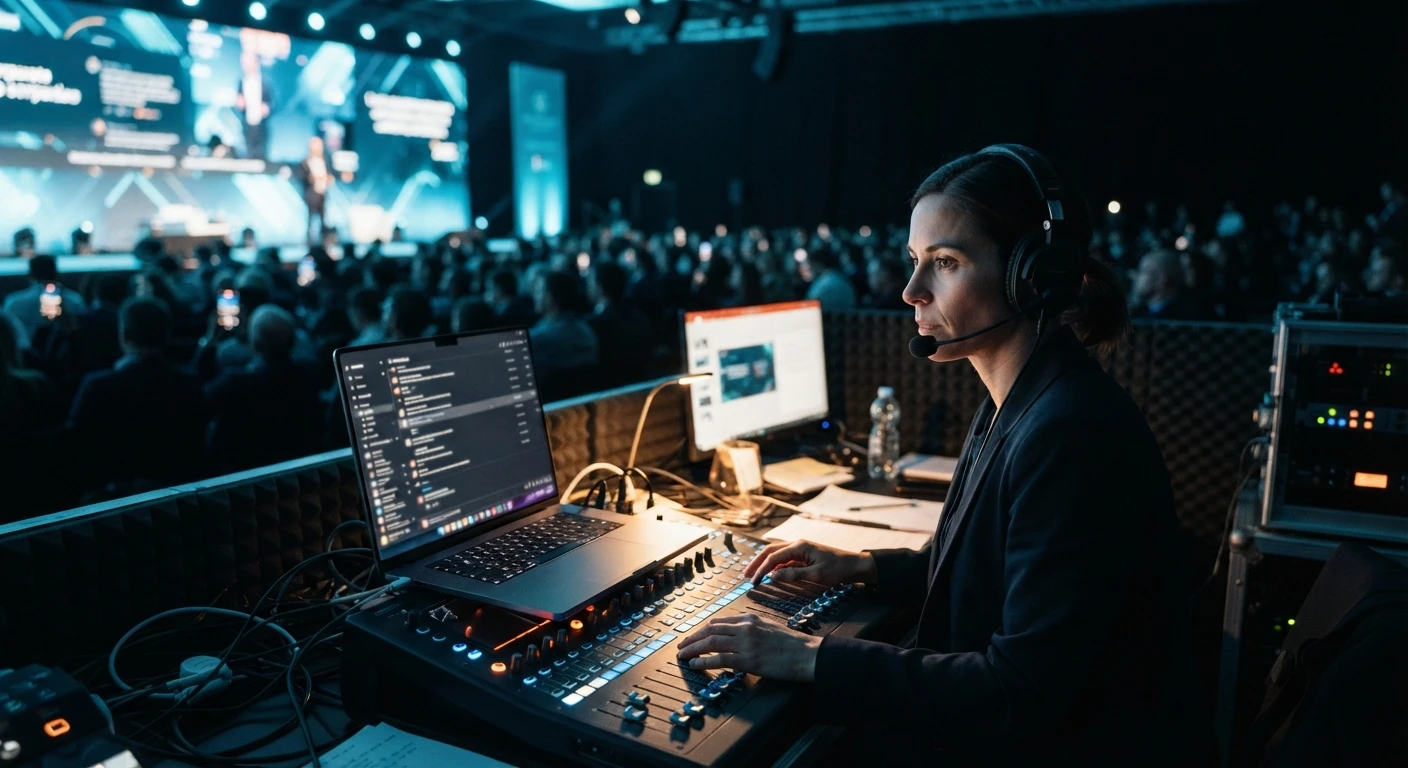
- there is a control room that decides what reaches the speaker and what goes on the LED wall;
- the data collected must stay under the organiser's control;
- interaction must connect to registration, the web app and check-in;
- during the live session someone must be able to respond immediately if something goes wrong.
Looking for an alternative does not mean one tool is better than another in absolute terms. It means asking which one fits your type of event best. Product features change over time: before deciding, always check the current ones on each supplier's official website.
Criterion 1: graphics with the event's brand
At a corporate event every screen communicates. The page the audience opens on their phone and the LED wall screen are part of the set, like the stage backdrop.
The questions to ask are simple:
- can I use the event's logo, colours and fonts, not just a preset theme?
- does the big-screen view adapt to the actual format of the LED wall, including vertical or ultrawide?
- is it readable from the back of the room?
If the event is for a client, it also matters that the tool looks like part of their event rather than an external service.
Criterion 2: control room and moderation
In a meeting everyone sees everything. At a conference they do not: between the audience and the stage there is a control room that filters, orders and sets the timing. This is where you see the difference between a generic tool and one designed for the room.
- Do questions go through a moderation queue before being published?
- Can the control room send only selected questions to the speaker?
- Does the speaker have a dedicated view, for example on a tablet, with no technical controls?
- Can you set banned words?
- Can you manage several sessions and speakers within the same event?
We explained how to organise this flow in Audience questions at a conference: how to collect them without passing microphones around.
Criterion 3: where the data stays and who sees it
Questions, votes and poll answers are event data, and sometimes personal data too, if the audience logs in with a name or email. Before choosing, clarify:
- whether the audience can take part anonymously or with a nickname;
- whether you can ask for acceptance of the privacy notice on access;
- in which format results are exported after the event;
- who in the team can see and download the data.
On privacy, a practical tip. Collect only the data you really need and decide in advance who manages it. For legal aspects, notices, retention and responsibilities, consult your privacy advisor.
Criterion 4: connection with registration and the web app
A separate tool works, but it adds a step: another link, another QR code, another screen to explain to the audience. At an event with many sessions, this adds up.
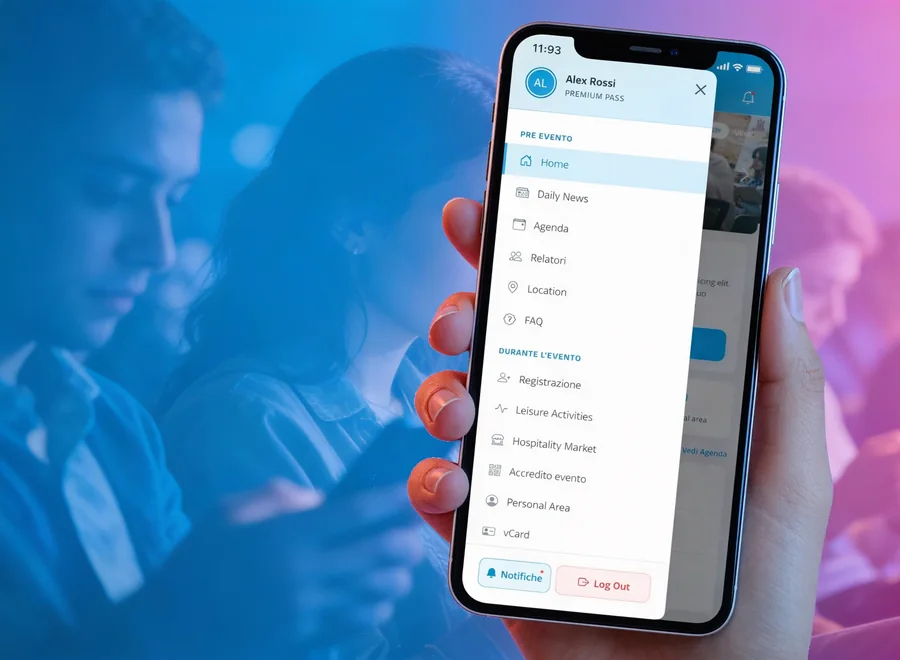
Ask whether interaction can live inside the event web app, together with the programme, maps and materials. With eventMe, our event web app, live Q&A and instant polls are modules of the same app attendees use for everything else, connected to registration and check-in.
The benefit is twofold: one access point for the audience, and for the organiser data that can be read alongside registration and attendance data. We also discuss this in Event engagement app: how to boost live interaction.
Criterion 5: support and rehearsals before going live
During a conference there is no time to open a ticket and wait for an answer. The Q&A moment lasts a few minutes and must work first time.
- Who sets up sessions, graphics and screens before the event?
- Is there a technical rehearsal with the control room, speaker and LED wall?
- Is there a contact to call during the live session?
- Who understands the connection between the venue network and the room screens?
These questions apply to any supplier. The answers matter as much as the features.
Generic tool or event control-room solution: the comparison
To put things in order, here are the criteria in a table. It is not a brand comparison: it is a list of questions to ask any supplier, Slido included.
| Criterion | Question to ask the supplier | Why it matters at a corporate event |
|---|---|---|
| Graphics | Can I use the logo, colours and LED wall format? | The screen is part of the set |
| Moderation | Do questions go through a control room before being shown? | The stage only receives selected content |
| Speaker view | Does the speaker have a dedicated, simple screen? | Whoever is speaking should not chase a chat |
| Access | Does the audience join from the browser via QR code, with no app? | Fewer steps, more participation |
| Data | How are results exported and who can see them? | The final report and privacy depend on it |
| Integration | Does it connect to the web app, registration and check-in? | One single journey for attendees |
| Support | Who helps me before and during the live session? | The live moment cannot be repeated |
askMe and pollMe: how they work together in the room
Our two tools for in-room interaction were built around exactly these criteria. askMe manages audience questions:
- the audience joins from the browser via QR code or link, with a nickname or email and nickname, and can accept the privacy notice on access;
- questions are not published automatically: the control room approves them, deletes them, sends them to the speaker or puts them live;
- the audience can vote on approved questions, so the most relevant topics come to the top;
- the speaker sees only selected questions on a tablet, with votes, time and session;
- the LED wall shows the live question with the queue of the next ones, in 16:9, 4:3, 1:1, 9:16 or 21:9 formats;
- after the event, questions and votes are delivered in a report, by email or download.
pollMe completes the picture with multiple-choice polls, quizzes with timer and leaderboard, word clouds, open questions and star ratings, with real-time results and Excel export. You will find practical examples in Live polls and quizzes: how to keep the audience awake and measure the event and in Event gamification: how to engage audience and networking. For an overview of engagement tools, also read Event engagement: the most requested tools.
Both can be customised with the event's logo, colours and graphics and run in the browser, with no app to install.
Assess a Slido alternative in 6 steps
A simple path to reach a decision with a clear picture.
- Describe the eventNote the type of event, number of sessions, speakers, whether there is a control room and the format of the room screens.
- List what you needChoose the essential features: moderated Q&A, question voting, polls, quizzes, speaker view, final report.
- Check the graphicsAsk to see the audience page and the LED wall screen with your event's branding.
- Clarify the dataAsk how people log in, whether there is a privacy notice on access, how results are exported and who can see them.
- Check the integrationVerify whether interaction can sit inside the event web app, connected to registration and check-in.
- Run a full rehearsalSimulate a session with control room, speaker and LED wall before the event and clarify who supports you during the live session.
Checklist before choosing
Use it while assessing suppliers.
Q&A and polling tool: six points to check
Event branding. Logo, colours and LED wall format can be configured.
A real control room. Questions go through a moderation queue before reaching the speaker and the screen.
Simple access. The audience joins from the browser via QR code, with no app to install.
Clear data. You know how results are exported and who can see them; for legal aspects you have consulted your privacy advisor.
One journey. Interaction connects to the web app, registration and check-in, or you already know how to manage it separately.
Rehearsal booked. There is a date for the test with control room, speaker and LED wall, and a contact for the live session.
Frequently asked questions
What is askMe?
It is I.T.S. Planet's software for managing audience questions at events: QR code access, moderation queue, question voting, speaker view on tablet, live question on the LED wall and final report.
Does the audience need to install an app?
No. askMe and pollMe run in the browser: attendees scan the QR code or open the event link and take part straight away from their smartphone.
Are questions published immediately?
No. With askMe every question first enters the control room queue, which decides whether to approve it, delete it, send it to the speaker or show it on the big screen.
Can you also run polls and quizzes?
Yes, with pollMe: multiple choice, quizzes with timer and leaderboard, word clouds, open questions and ratings, with real-time results and Excel export.
Can Q&A and polls sit inside the event web app?
Yes. In the eventMe web app, live Q&A and instant polls are modules of the same app attendees use for the programme and information, connected to registration and check-in.
Want to see askMe and pollMe at your next event?
With askMe, questions arrive in order, the control room filters them and the speaker reads only the selected ones; with pollMe, polls and quizzes appear on the LED wall in real time, with your event's graphics. Request a demo and try them on your format.