Italiano
For years the native app was seen as the obvious choice for supporting event attendees. Today web apps offer agenda, maps, speaker profiles and real-time communication without going through an app store: they open from a simple link, on a computer or a smartphone. If you are still deciding, read App nativa, web app o ibrida: quale scegliere per il tuo progetto?.
One ingredient that often makes the difference is the browser push notification. Let us look at what it is, when it makes sense to use it and what it takes to respect your attendees.
What browser push notifications are
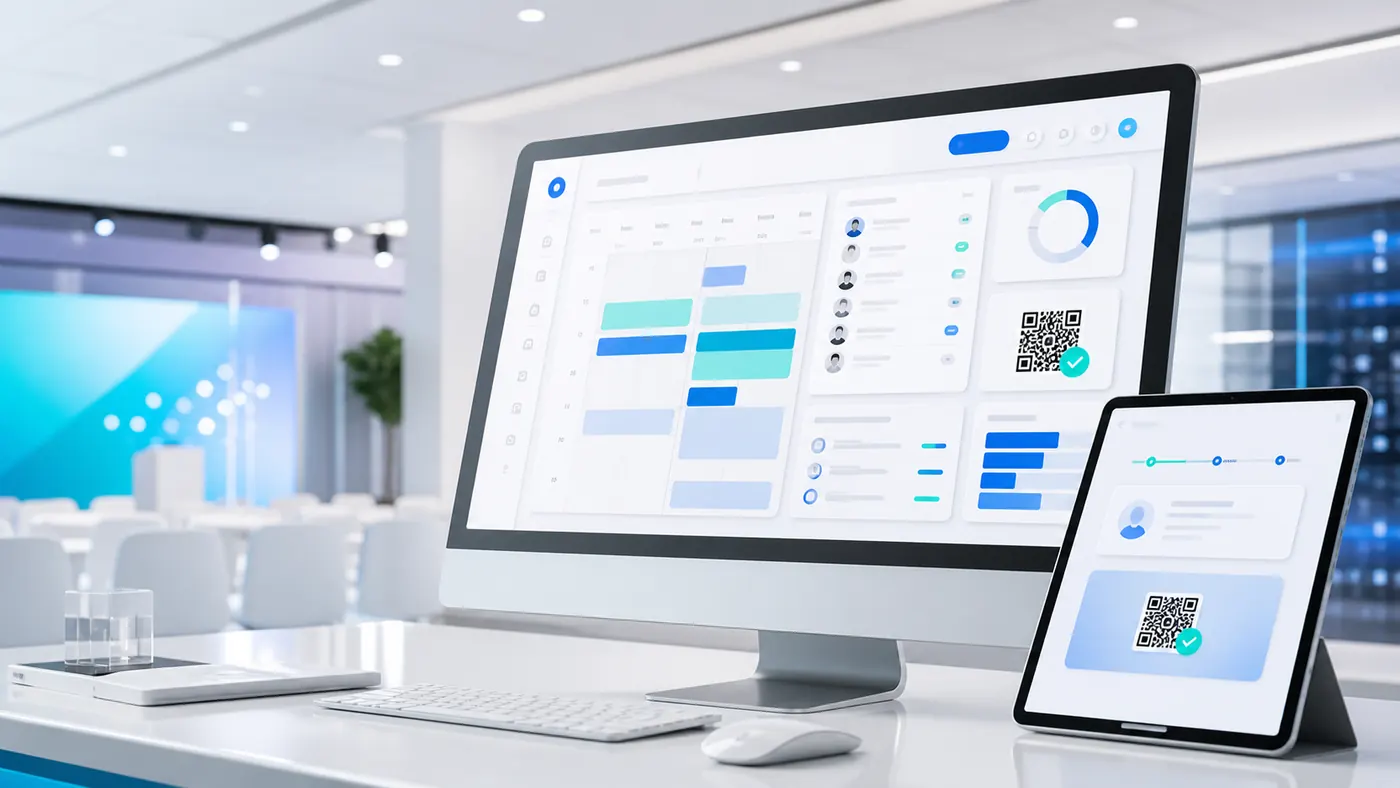
They are short, clickable messages that a website or web app sends to people who have agreed to receive them. They appear as a small alert on the computer or phone screen, even when the person is not browsing the event web app. Event web apps like eventMe, developed by I.T.S. Planet, combine the convenience of the web with features once reserved for native apps.
It relies on the person's explicit consent and has three steps:
- Consent request. The first time the person opens the web app, the browser asks for permission to send notifications. The request should explain what they get in return, for example real-time updates on sessions and announcements.
- Subscription. If they accept, their browser subscribes to the notification service through a technology that runs in the background.
- Sending messages. The organizer sends messages to all subscribers, or to specific groups, directly from the management platform.
They are ideal for short, urgent information, when email risks arriving too late.
Benefits for events
Used with judgment, push notifications become a communication tool and not just a marketing one.
- Real-time communication. A schedule change, the start of a workshop or an imminent networking opportunity reach people at the right moment.
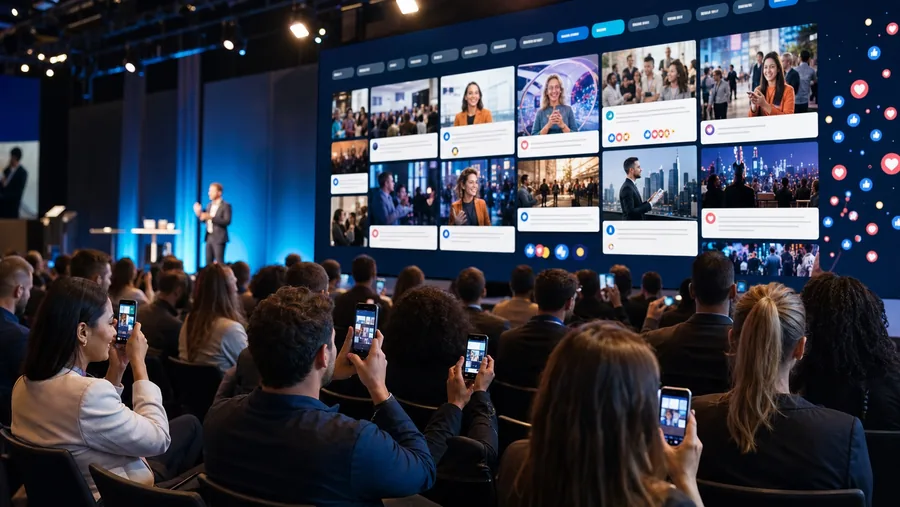
- More participation during the event. You can remind people of the sessions they picked, launch polls with tools like pollMe and invite feedback, turning a passive experience into active participation.
- No app store download. They are part of a web app reachable by link, usually with lower development and maintenance costs than a native app. On iPhone there is an extra step, explained below.
- Targeted messages. You can write differently to sponsors, speakers and workshop registrants. That takes well-organized registration data: we discuss it in Gestione iscritti eventi: perché usare un tool dedicato.
- A complement to email, not a replacement. Email remains the right channel for long information and for people who have not enabled notifications. To get it right, read Email eventi anti-spam: come evitare filtri e blocchi.
There are no universal benchmarks for open and click rates: the figures in circulation depend on industry, audience and how they were measured, and often come from those who sell these services. The most reliable way to know whether it works is to measure the results of your own events.
When and how to send notifications that work
The value of notifications lies in strategic use. Too many irrelevant messages push people to withdraw consent: timing and relevance are what count.
Before the event
They build anticipation: reminders about the date, previews of headline speakers, opening of registration for special sessions.
During the event
This is the decisive moment: start of the main sessions, room changes, sponsor booths, live polls to make presentations interactive.
If the event also has a points challenge, notifications can remind people of ongoing activities: read Gamification per eventi: come coinvolgere pubblico e networking.
After the event
Engagement should not end with the event: a thank-you, a link to the satisfaction survey, speaker slides, an announcement of the next edition.
Getting started in five steps
Introducing push notifications is simpler than it looks, especially with a platform that includes them.
- Choose the right platform. An event web app with a built-in, easy-to-use notification module, such as eventMe.
- Ask for consent at the right moment. Do not show the browser's default prompt straight away: trigger it after the person has interacted with the web app and explain the benefit in your own words. A refusal is hard to recover from.
- Segment your audience. Use registration data to create groups, for example by role, interests or chosen sessions, and send relevant communications.
- Do not overdo it. Set a reasonable frequency: too many messages lead to notification fatigue and opt-outs.
- Measure and improve. Check opens, clicks and consent withdrawals on your own events and refine your strategy edition after edition.
iPhone and iPad: one extra step. On Android and computers, accepting the browser prompt is enough. On iPhone and iPad (iOS and iPadOS 16.4 or later) web push only works if the person first adds the web app to the Home Screen and opens it from there. Include a short instruction in your pre-event communication and keep email as a fallback channel.
Push notifications and privacy
Privacy is non-negotiable. The basic principle is explicit consent: a person receives notifications only after accepting the browser prompt and can withdraw permission at any time from the settings.
One point not to underestimate: the subscription is an identifier tied to that browser and that device. If you link it to a registrant's profile, for example to send messages by role or chosen sessions, it should be treated as personal data, not as anonymous data.
Good practice is simple: state in your privacy policy that you use push notifications, for what purpose and how to turn them off; collect consent clearly; and review your setup with your privacy adviser, since the details depend on your case. This guide is not legal advice.
Frequently asked questions
Yes, from iOS and iPadOS 16.4, but only if the web app is added to the Home Screen and opened from there. Android and computers do not need this step. No, they complement it. Notifications suit short, urgent messages; email remains useful for longer content and for people who have not enabled notifications. There is no number that fits everyone. The practical rule is to send only what is useful to the recipient, such as a room change or the start of a session, and to watch consent withdrawals. They keep using the web app normally. Important communications should therefore also be repeated by email or on a notice board inside the web app.Do push notifications work on iPhone?
Do push notifications replace email?
How many notifications should you send during an event?
What happens if an attendee declines notifications?
Reach your attendees at the right moment
Picture a room change that reaches everyone before anyone notices a problem, and an audience answering polls while the speaker is still on stage. With eventMe you can build a web app for your event, with no app store download and real-time communication at its core.
Discover eventMe